6
USING YOUR MicroSentry™ REFRIGERATION MONITOR
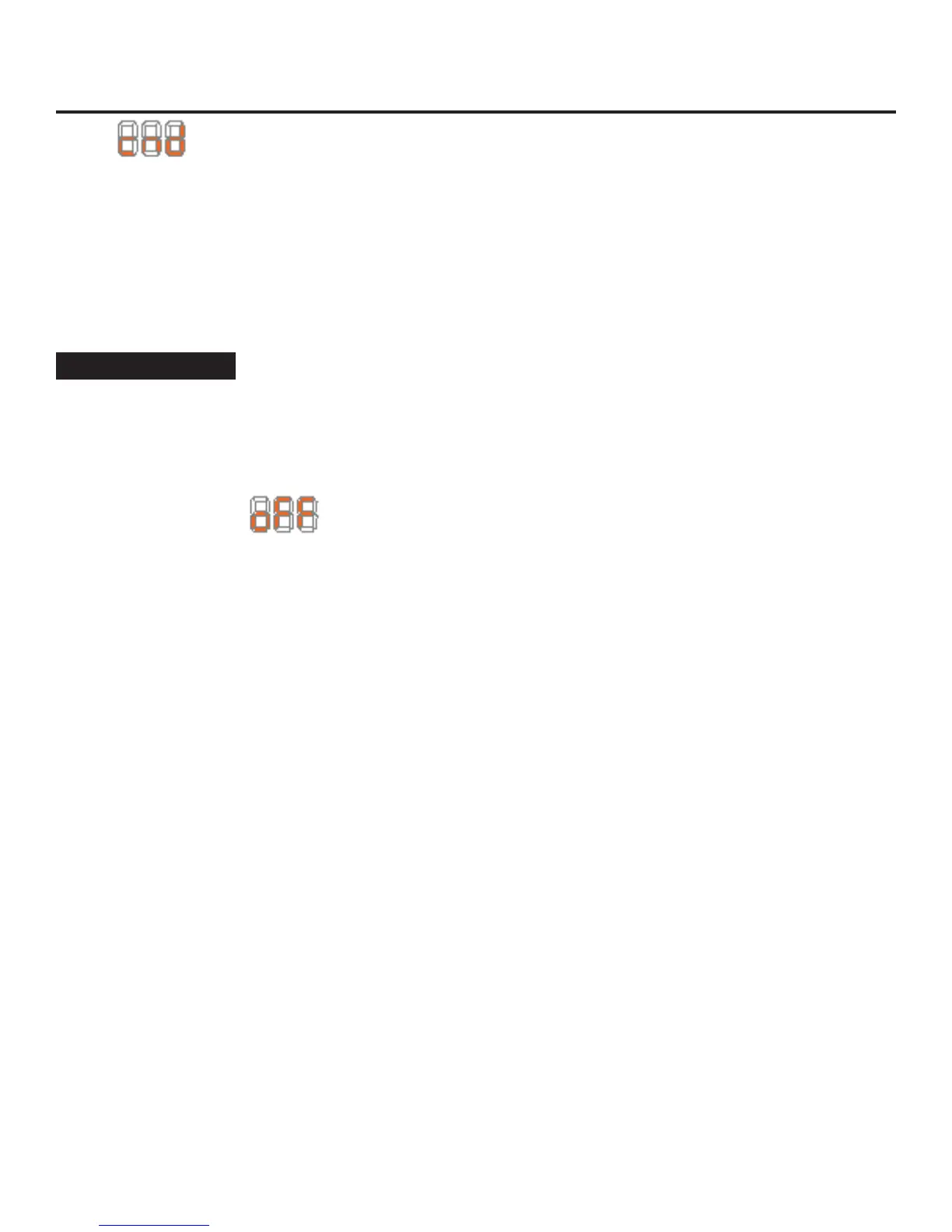
“cnd” will be displayed on the screen.
2) While “cnd” is displayed, press and hold the “SET” but-
ton. The display will show the number of weeks the
refrigerator has been running.
3) While holding the “SET” button, press and release the
ON/OFF button. The number shown on the display will
reset to 0.
4) Release the “SET” key.
Alarm Mute
Press any key to mute the audible portion of an alarm,.
This action will only mute the alarm. If the condition that
caused the alarm continues, the alarm code will continue to
flash and will sound for 20 seconds every 60 minutes.
Turning Refrigerator Off
To turn refrigerator off, press and hold “ON/OFF” button
for three (3) seconds. “OFF” will appear on the
display.
Additional MicroSentry™ Features
Refer to Appendix A for details on additional features avail-
able.
NOTE


 To Next Page