- 9 -
6. Se t t I n g up yo u r ca M e r a
6.1 Se t u p Mo d e
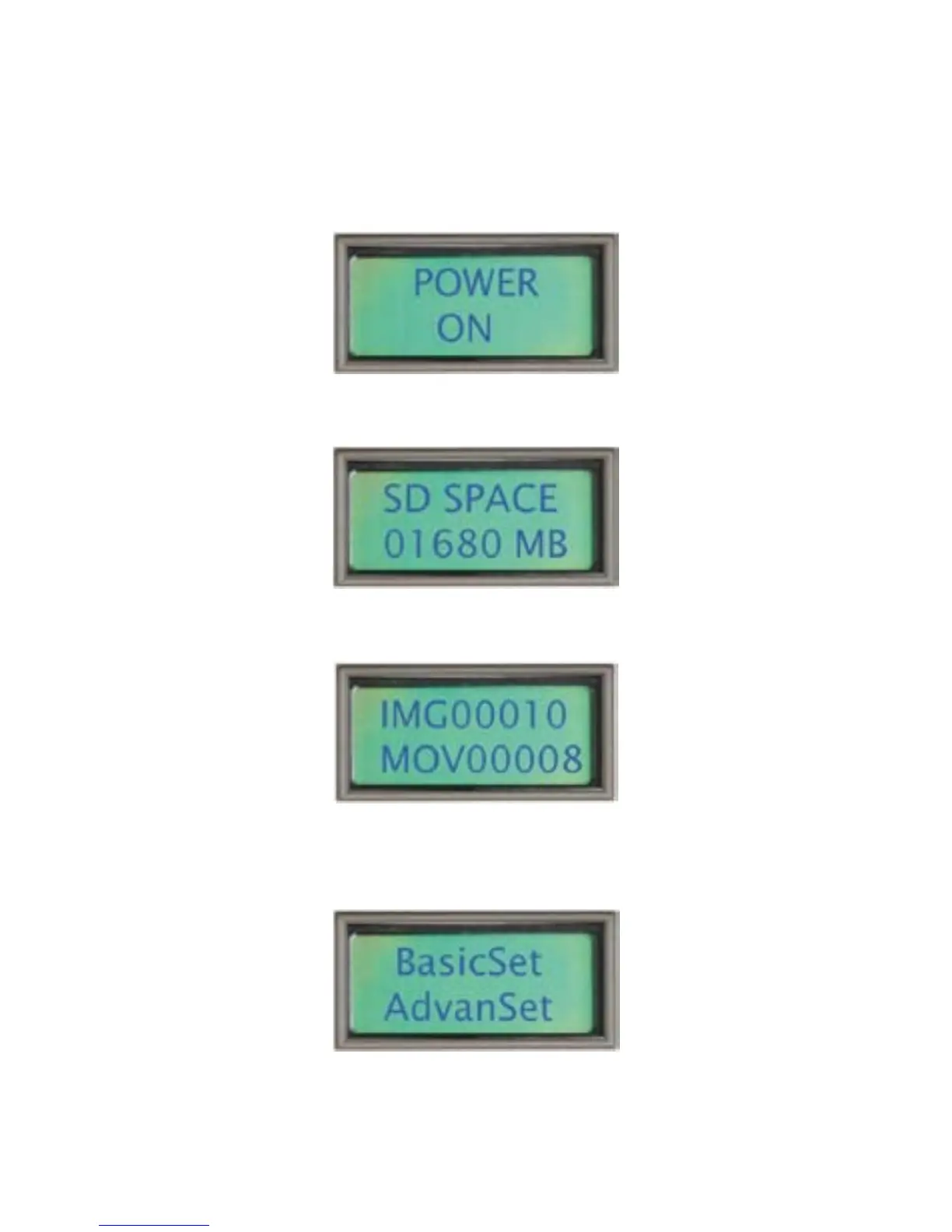
Turnonthecamera,“PowerOn”willshowfortwo
seconds:
ThentheremainingspaceontheSDcardwilldisplay
fortwoseconds:
Finally,thenumberofimages/videosstoredonthe
SDcard:
TwosecondsafterthisthecamerawillenterSleep
Modetosavepower.PresstheSETUPbuttonto
activateSetup Mode.Thedisplaywillchangeto:
NOTE: Pressing the OK key at each of the above
screens will take you directly into Setup Mode.


 To Next Page