Temperature
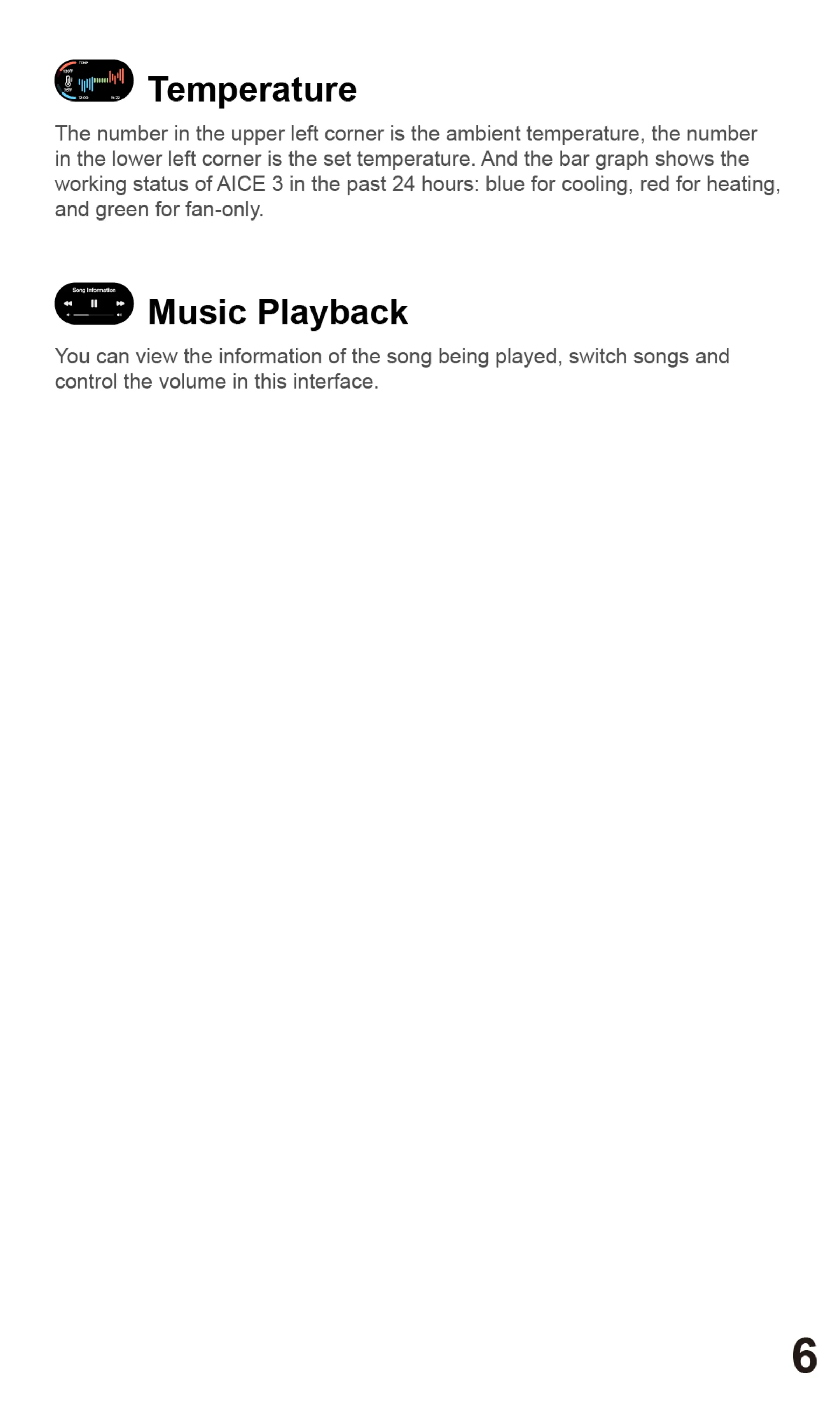
The number in the upper left corner is the ambient temperature, the number
in the lower left corner is the set temperature. And the bar graph shows the
working status of AICE 3 in the past 24 hours: blue for cooling, red for heating,
and green for fan-only.
Music Playback
You can view the information of the song being played, switch songs and
control the volume in this interface.
6


 To Next Page