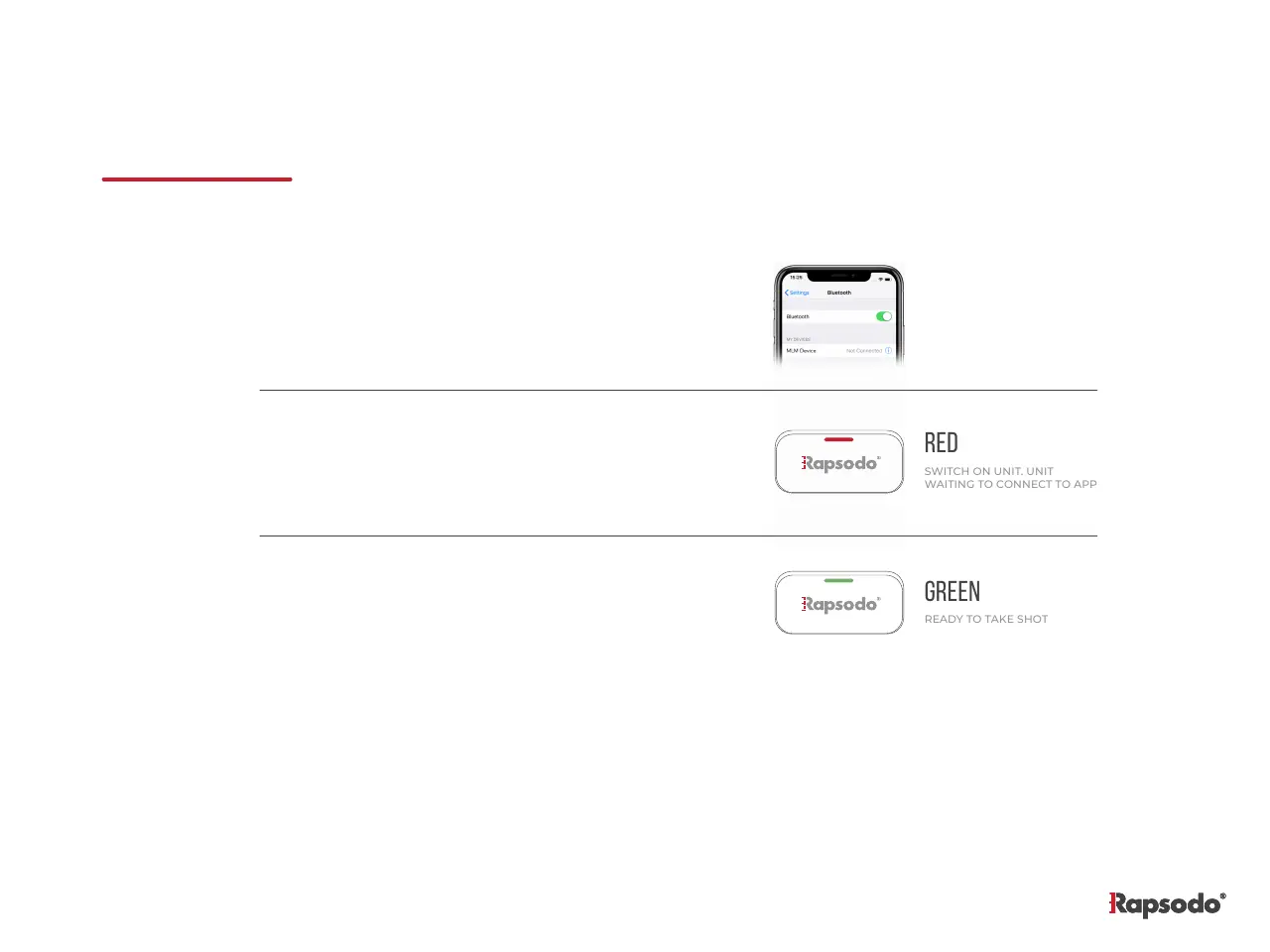
WAITING TO CONNECT TO APP
PAIRING THE DEVICE
1.
2.
3.
On your mobile device, turn on Bluetooth feature.
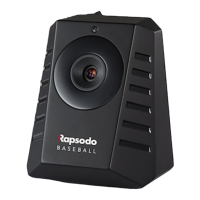
Make sure that MLM unit is powered on.
When LED on MLM turns red, start the MLM
application on your mobile device. You can go to
[website] to download the application.
Once the MLM unit detects the connection from
the application, the LED will turn green.


 To Next Page