When charging, Power
LED does not come on
Press the Power button and hold for 5 seconds. Make sure
the USB cable has power. Try other ports on your
computer or change the cable.
Battery is low. Connect the USB cable and charge the unit.
The Power LED will turn GREEN when the unit is charged.
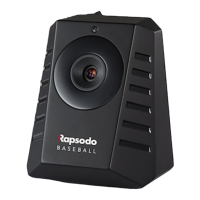
Make sure to start the application AFTER turning on the
Tracer unit. The Tracer unit LEDs show connected only
when the application is open.
Be sure to position the ball correctly about 2 to 3 meters
from the Tracer unit and make sure the unit sits level with
the hitting surface.
Power LED is red and
unit turns off after 15
seconds
LED is not
turning green
Results seem
inaccurate
Troubleshooting table


 To Next Page