5.
6.
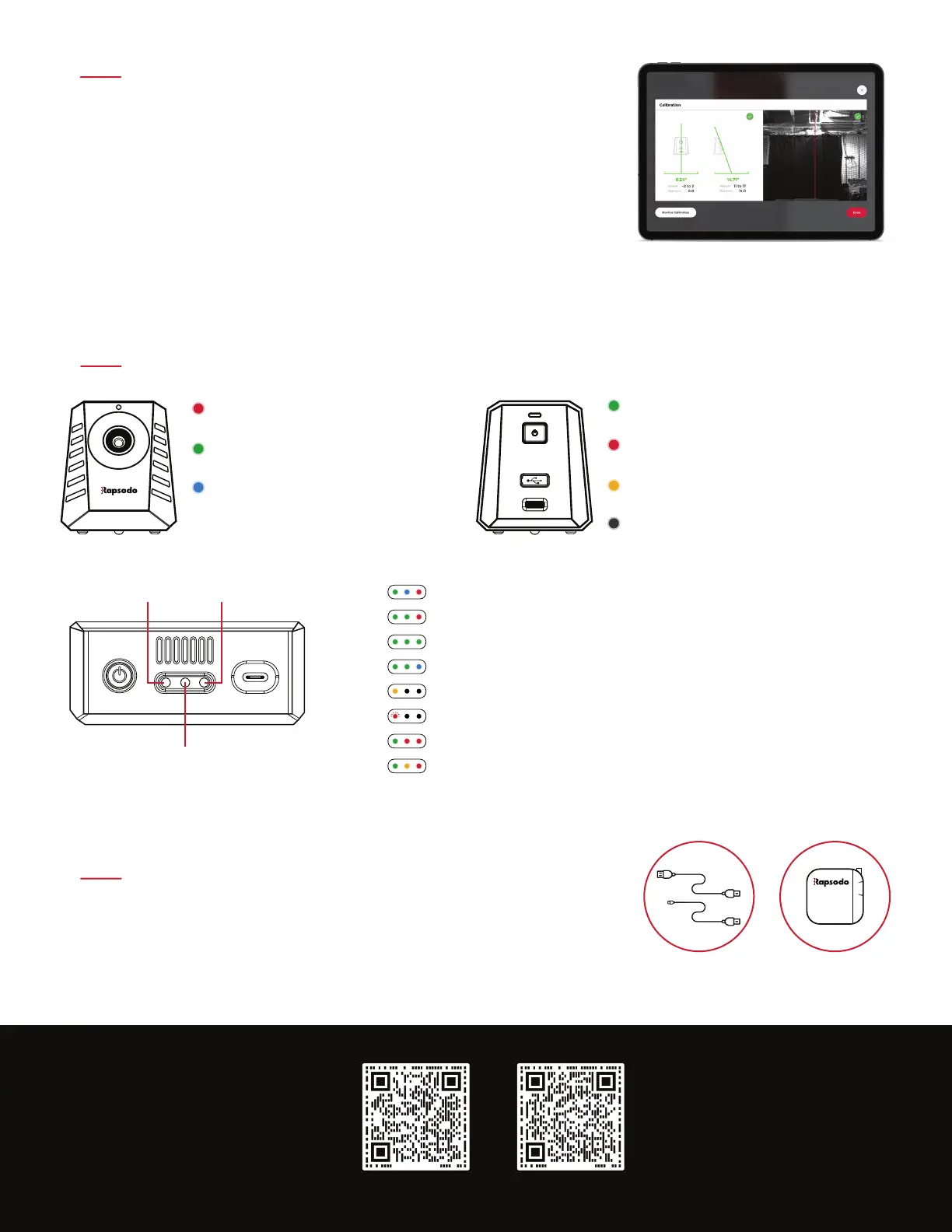
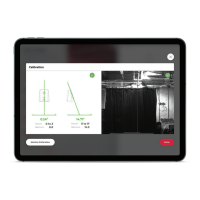
Connect the RCE by tapping the ‘Play’ tab and then tapping
‘Refresh’. To Calibrate, tap the ’Monitor’ icon on the bottom
right of the app then tap ‘Recalibrate’.
The red line in the azimuth view should go directly down the
middle of home plate.
CALIBRATION
Angles should be as close to 0 degrees and 14 degrees as possible.
Not ready
Data ready, monitor ready
!
DISPLAYS
MAINTENANCE
7.
Connection to App
Power Battery Monitor
Red
Green
Blue
Processing data
(wait for green light to pitch again)
Red
Amber
Gray
Green
Succesfully Connected to RCE though USB
Not connected to RCE, Waiting for USB Sync
Charging (switched off)
Off
USB Cables Charger
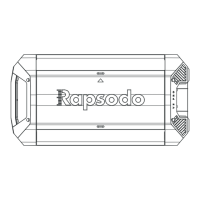
The monitor and the RCE must be charged separately. The monitor
is charged using the provided right angle Micro USB Cable and
the RCE is charged with the provided USB-C cable.
RCE switched off and charging.
Warning for low battery, please recharge monitor.
RCE turned on, not connected to app and monitor.
RCE turned on, connected to app but not the monitor.
RCE and monitor connected.
Ready to record data.
Data processing.
RCE and monitor connected to application, needs calibrated or on ‘Pause Mode’.
For additional resources visit the
Rapsodo Learning Centers
BASEBALL
SOFTBALL
support@rapsodo.com
844.772.7763


 To Previous Page