EasyManua.ls Logo

RAS MULTIBEND 9000 - Page 32

Default Icon
263 pages
Print Icon
To Next Page IconTo Next Page
To Previous Page IconTo Previous Page
Loading...
RE CEIVING.
I NS
PECTI
QN, TBA-NSfP.BT,
C
E EA-i'ri
i-r
d'
t iv 5r
[u
u
ATI o
N A N
o c
o
wt M I s
s
I
o
N I N G
tn-A
sl
\/
The
upper
cheek
may
only
be moved
upwards
after
the machine
has
been
connected
to
the
"i".tiil'ry"t"m
and
a'tter
tne
direction
of rotation
of
the main
drive
motor
(hydraulic
drive)
has
been
checked
(refer to
Section
5.2
"MAINS
CONNECTION").
Observe
the
safety
directives
in
Section
5.1.
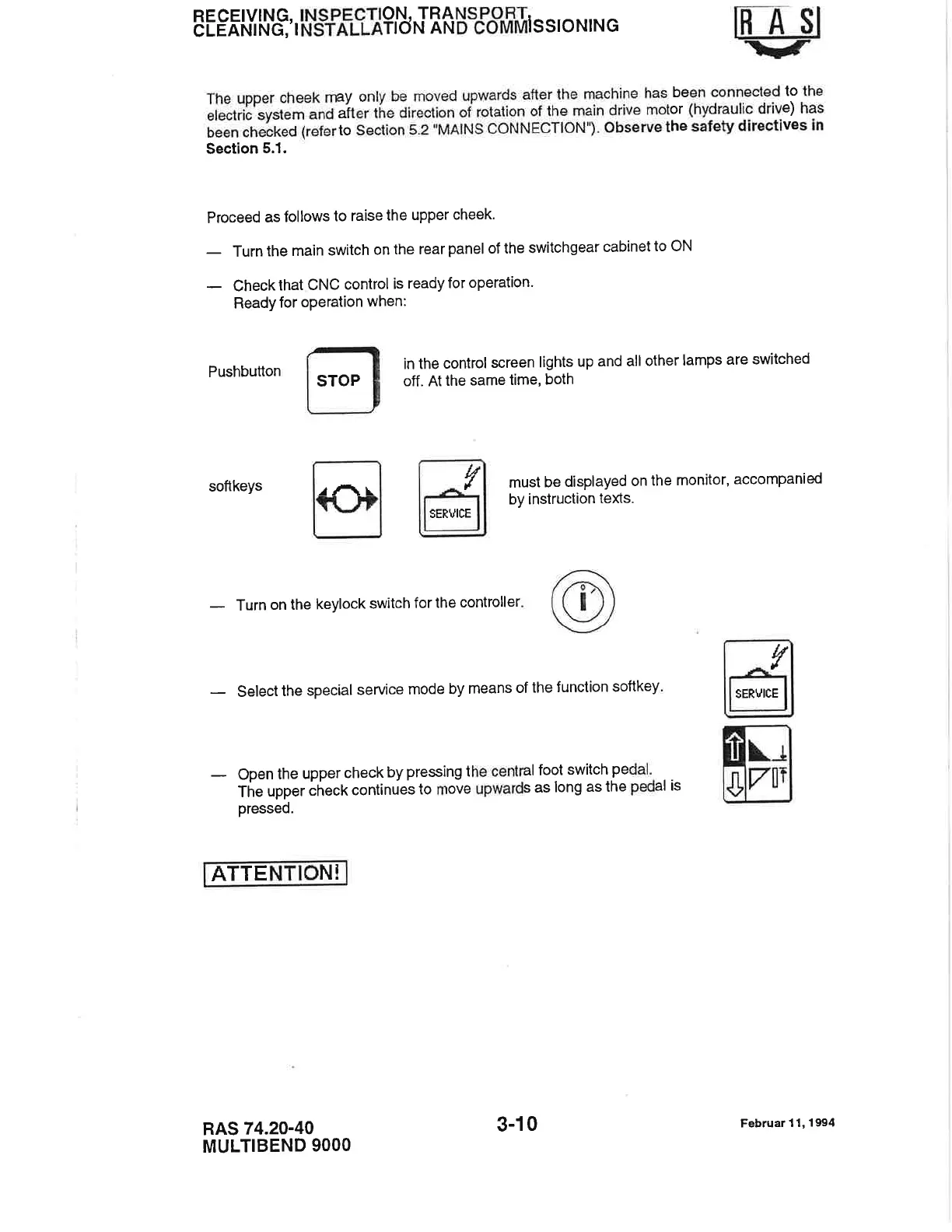
Proceed
as
follows
to raise
the
upper
cheek.
-
Turn
the
main
switch
on the
rear
panel
of the
switchgear
cabinet
to oN
-
Check
that
CNC
control
is
ready
for
operation.
Ready
for
operation
when:
Pushbutton
in
the
control
screen
lights
up
and all
other
lamps
are
switched
off.
At
the
same
lime,
both
must
be
displayed
on
the
monitor,
accompanied
by instruction
texts.
softkeys
-
Turn
on the
keylock
switch
for lhe
controller
-
select
the
special
service
mode
by
means
of
the
function
softkey
-
Open
the
upper
check
by
pressing
the
central
foot
switch
pedal'
The
upper
check
continues
to
move
upwards
as
long as
the
pedal is
pressed.
ATTE
N!
RAS
74.20-40
MULTIBEND
9OOO
STOP
rAr.
l,/
tl
SERVICE
tf
.l
SERVICE
3-10
Februar
11,19!r4

Related product manuals