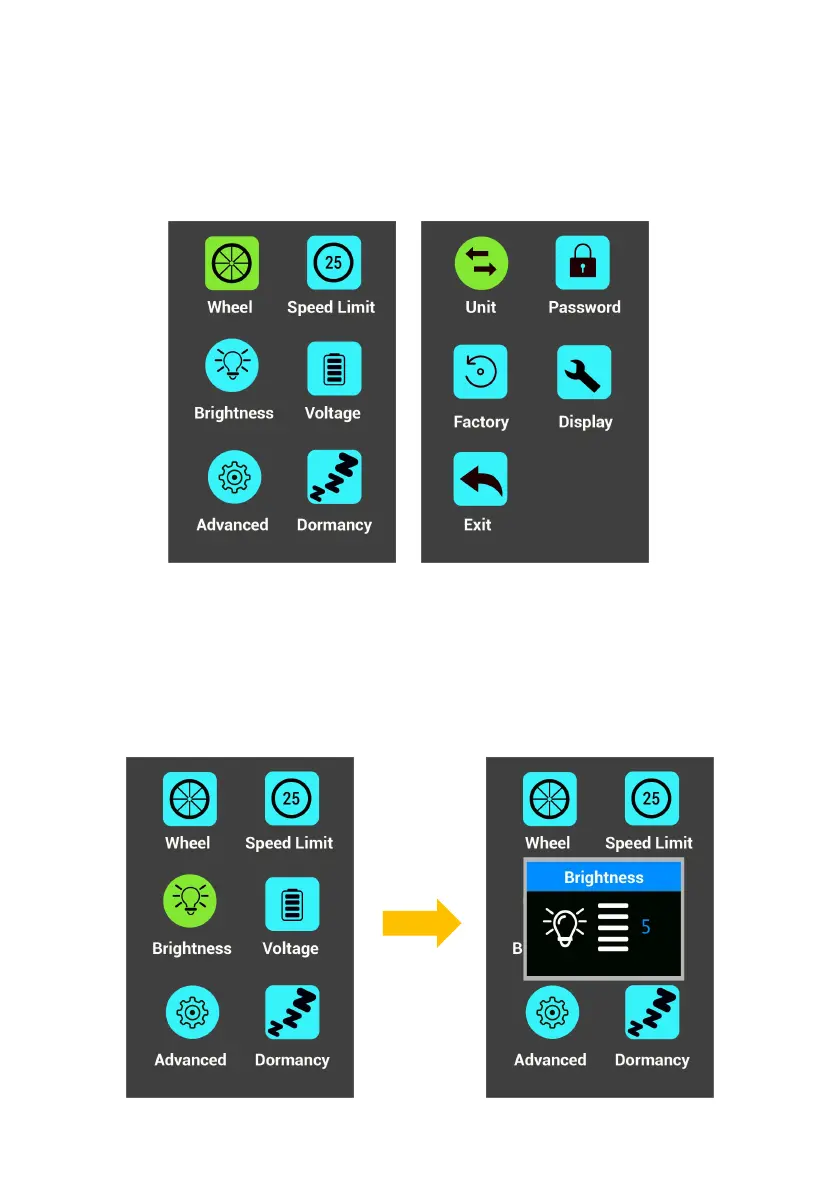
5. Display Setting
Turn on the display, press " + " and " - " 2s simultaneously to access.
* Do not change the setting when riding for safety first.
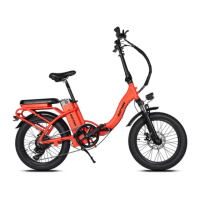
6. Backlight Brightness Adjustment
Enter the display setting, choose Brightness, adjust the backlight
brightness by " + " " - ".



 To Next Page