3. Walk Mode
4. Turning Light
Left turn signal
Press the " < " button to activate the left turn signal, the screen
shows " ". The turn icon and signal flashes 60 times a minute
once pressed. Press the " < " button again to turn off the left turn
signal.
Right turn signal
Press the " > " button to activate the right turn signal, and the screen
shows " ". The turn icon and signal flashes 60 times a minute
once pressed. Press the " > " button again to turn off the right turn
signal.
*The left and right turn signals cannot be turned on at the same time.
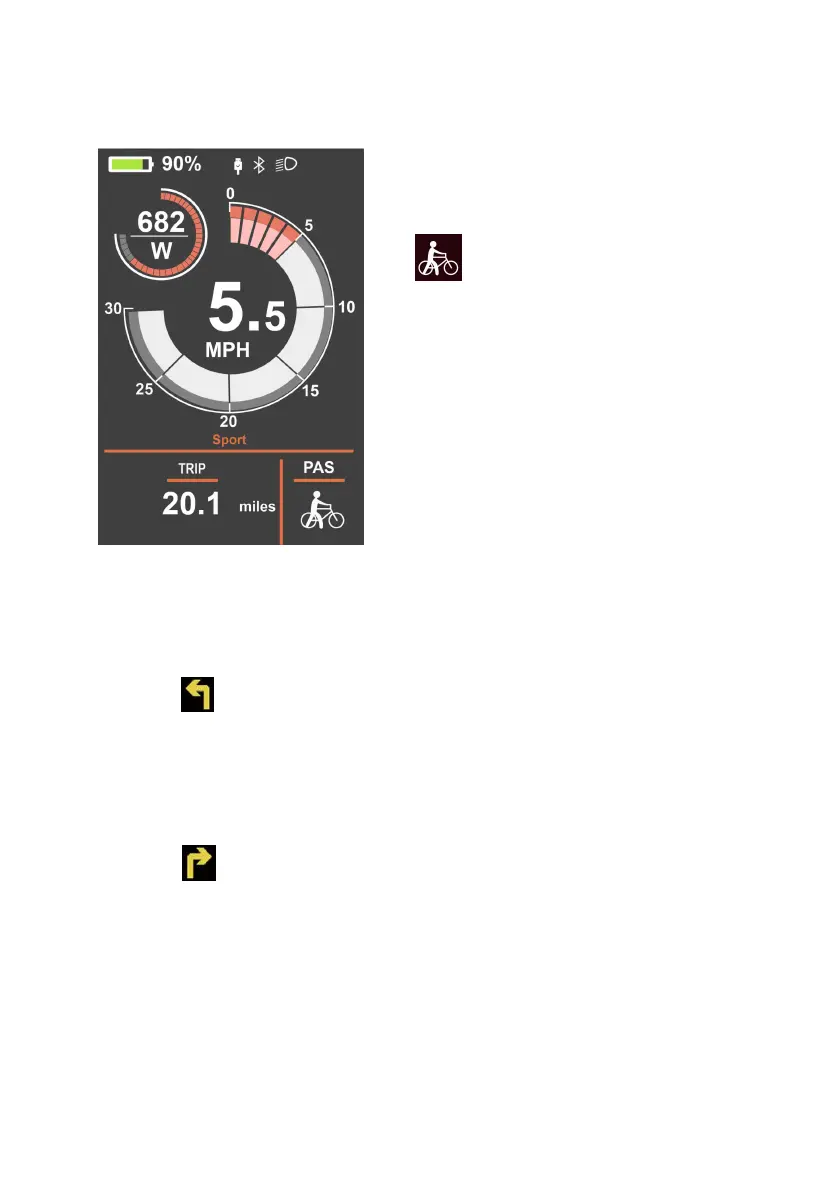
Turn on the display, press the "-" for 2s
and the bike will start in walk mode.
" " will show on the screen and it
will drive at a uniform speed of less
than 6kmh.
Release the "-" button, will stop the
electric power assisted mode.
* Walk mode is available only you
when you need to walk the bike with
little effort.



 To Next Page