‐58‐
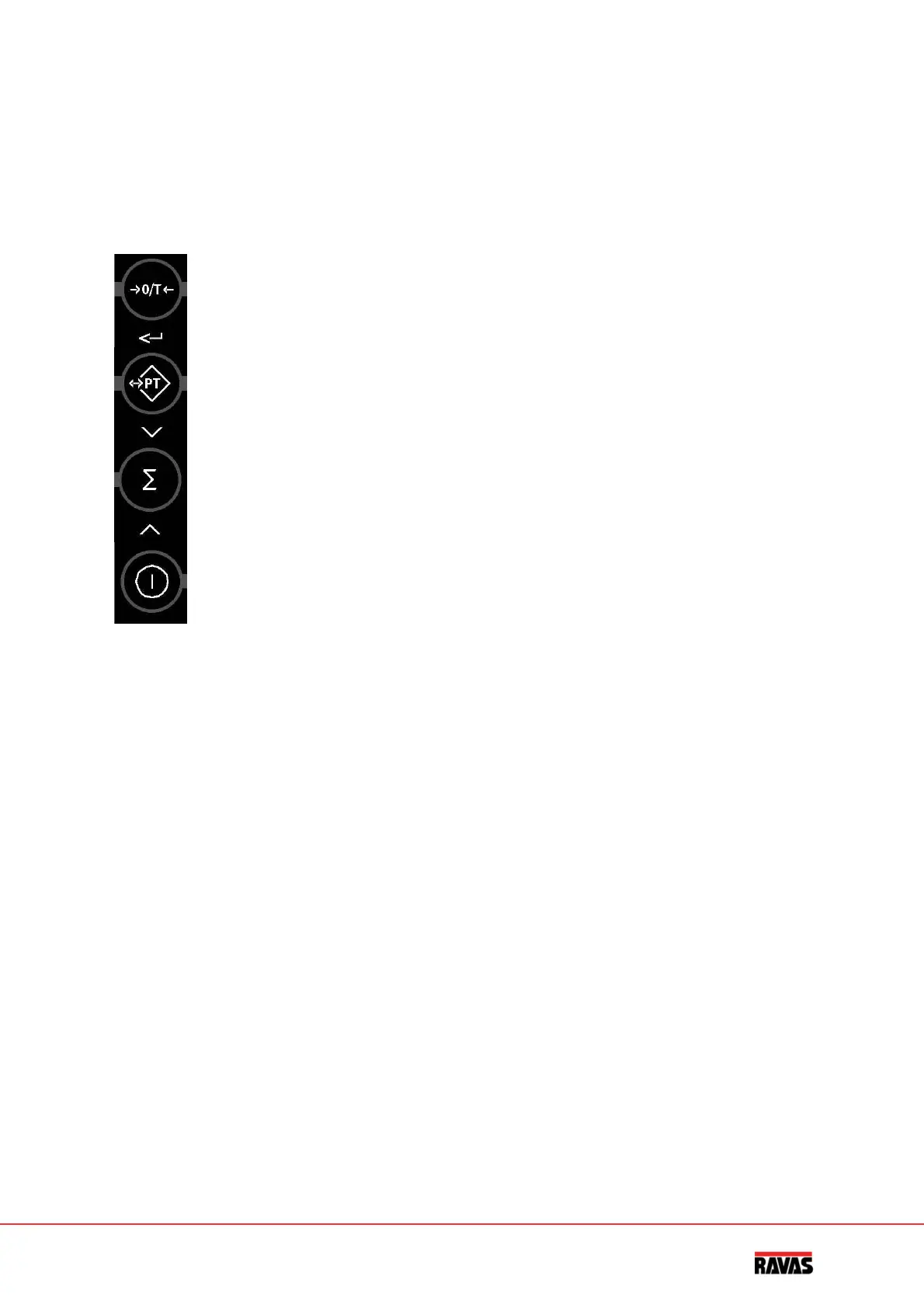
Elpaneltáctil
Cadateclatieneunafunciónoperacionalyotraderegistro/introduccióndedatos.
Función
operacional
Funciónderegistro
Establecerelceroy
taraautomáticos
Confirmarymover
cursoralaizqda.
tara
Disminuireldígito
intermitente
totalización
Aumentareldígito
intermitente
Encendido/
apagado
borrar
Importante
Elsistemanoaceptalaoperacióndeunateclacuandonoestáestable(ysedebeesperaralaseñal
de“carga estable”).Esto significa queel indicador ejecutacomandossolamente con unacarga
estable.
Aviso
Cuandolacargapesadasobrepasaelmáximopreestablecido,lapantallamuestra:“HELP1”.Para
evitardañosenelindicadorolascélulasdecarga,elsistemadepesajedebeserdescargado
inmediatamente.
Posicióninclinada
Conlaversiónaprobadadelsistemadepesaje,lapantalladondeapareceHELPmuestratambién
pequeñasbarrascuandoelsistemaestáenunaposicióninclinadademásde2º.Enestecaso,se
debecolocarelsistemadepesajeunposiciónhorizontal.Hechoesto,elsistemacontinúa
ejecutandocomandos.


 To Next Page
 Loading...