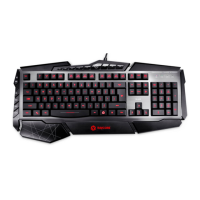
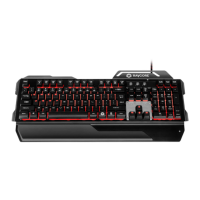
HYBRID
EXTREMELY DURABLE
SEMI-MECHANICAL KEYBOARD
11
EN
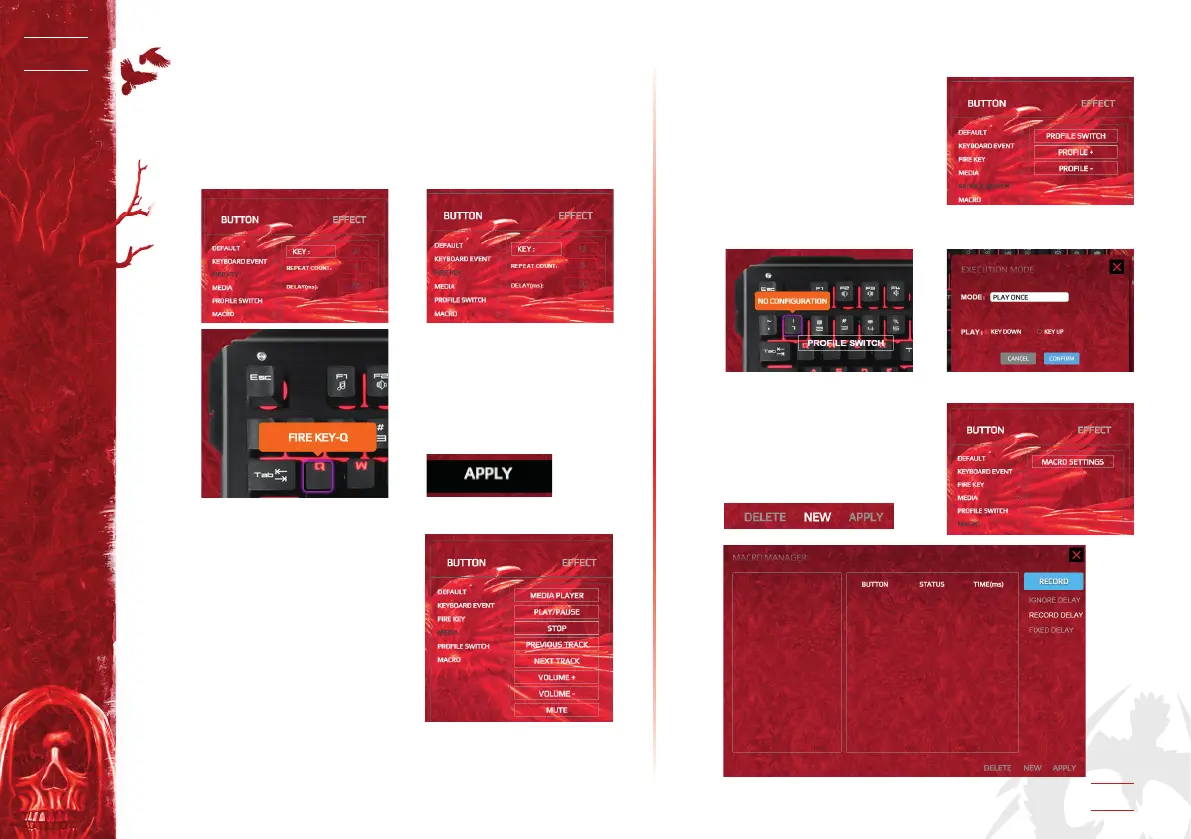
3c) FIRE KEY Mode:
If you want to set Q key as FIRE KEY, you may click on „KEY” in
the right drop-down list, drag it using left mouse button on the
Q key, and click the left mouse button to dene REPEAT COUNT
and DELAY(ms), and then click APPLY to complete this setting.
3d) MULTI-MEDIA Mode:
Select the desired function from
the right drop-downlist using the
left mouse button, drag the left
mouse button on the key which
needs to be dened with this
function. Click APPLY to com-
plete the setting.
3e) PROFILE STWITCH Mode:
For example, if you would like to
dene the key 1 as prole switch
key, you may click PROFILE SWI-
TCH using left mouse button,
drag it on key 1, then click the left
mouse and after the following
window appears, click CONFIRM.
3f) MARCO Mode:
Double-click the frame „MAR-
CO SETTINGS”.
A. Click NEW.


 To Next Page