CHARGING YOUR DEVICE
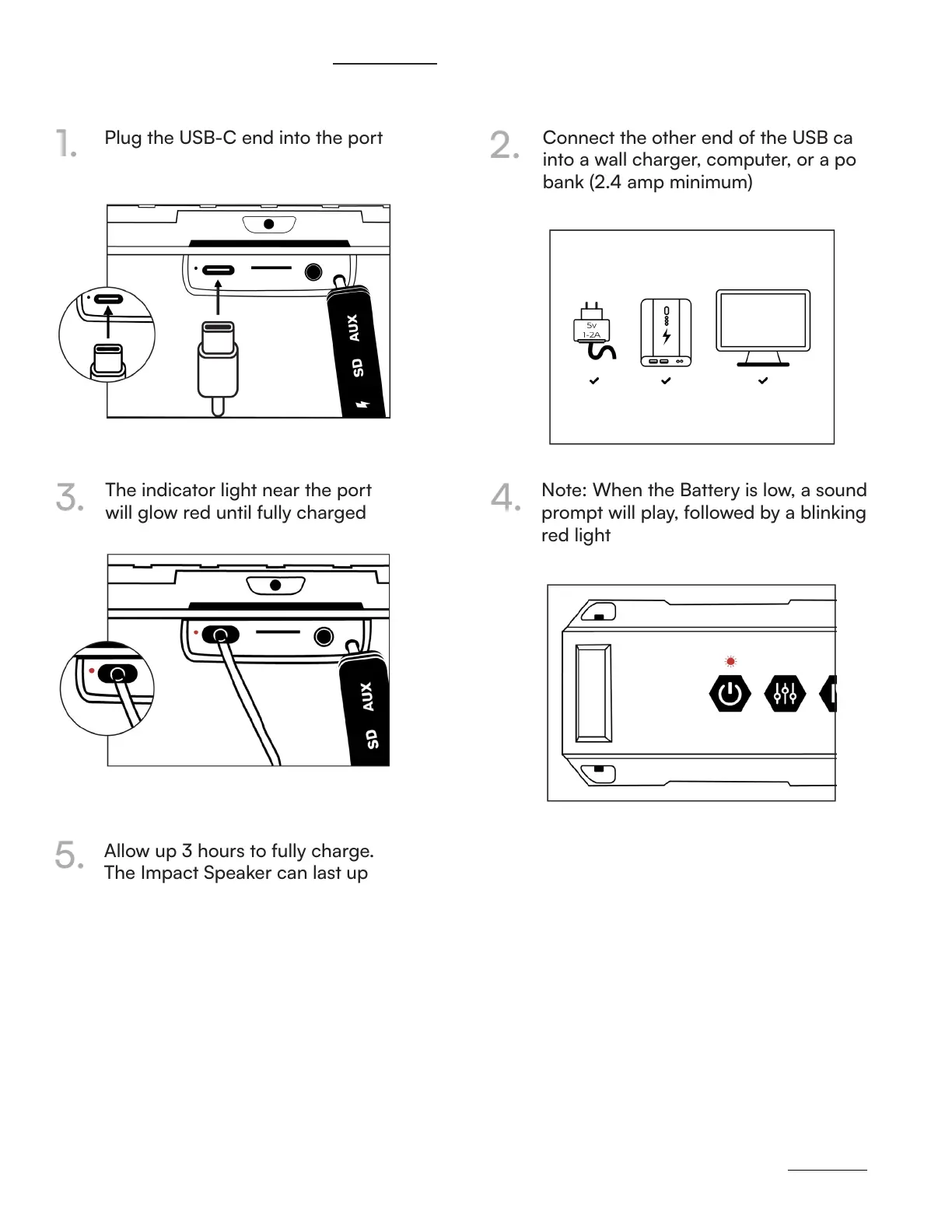
Plug the USB-C end into the port Connect the other end of the USB cable
into a wall charger, computer, or a power
bank (2.4 amp minimum)
The indicator light near the port
will glow red until fully charged
Note: When the Battery is low, a sound
prompt will play, followed by a blinking
red light
Allow up 3 hours to fully charge.
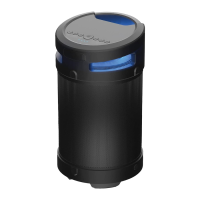
The Impact Speaker can last up
to 15 hours on a single charge!
1.
2.
3.
4.
5.
https://rayconglobal.com
08



 To Next Page