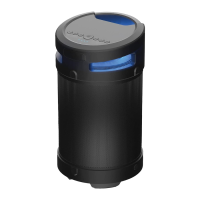
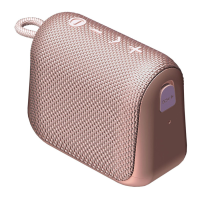
RESETTING DEVICE
SOFT RESET:
HARD RESET:
TURN OFF: Press and Hold Power Button for 3 seconds (Red Light will appear
above Power Button for 2.5 seconds)
While the speaker is On: Press and Hold Power Button for approximately 10-15 seconds
Continue to hold until the speaker restarts and turns back on
• Speaker will power down aer approximately 3 seconds but continue to hold down
Power Button
• Red light will disappear for 1 second before restarting
• Wait until you hear the “Power On” Sound prompt / the Blue light to appear
• The Red LED will appear above the Power button even aer shutting down.
TURN ON: Press and Hold the Power Button for 1.5 seconds (Blue Light will appear
above Power Button for 2.5 seconds)
https://rayconglobal.com
10
1.
1.
2.
2.



 To Next Page