https://rayconglobal.com
06
CHARGER AND DEVICE CONNECTION
B
A
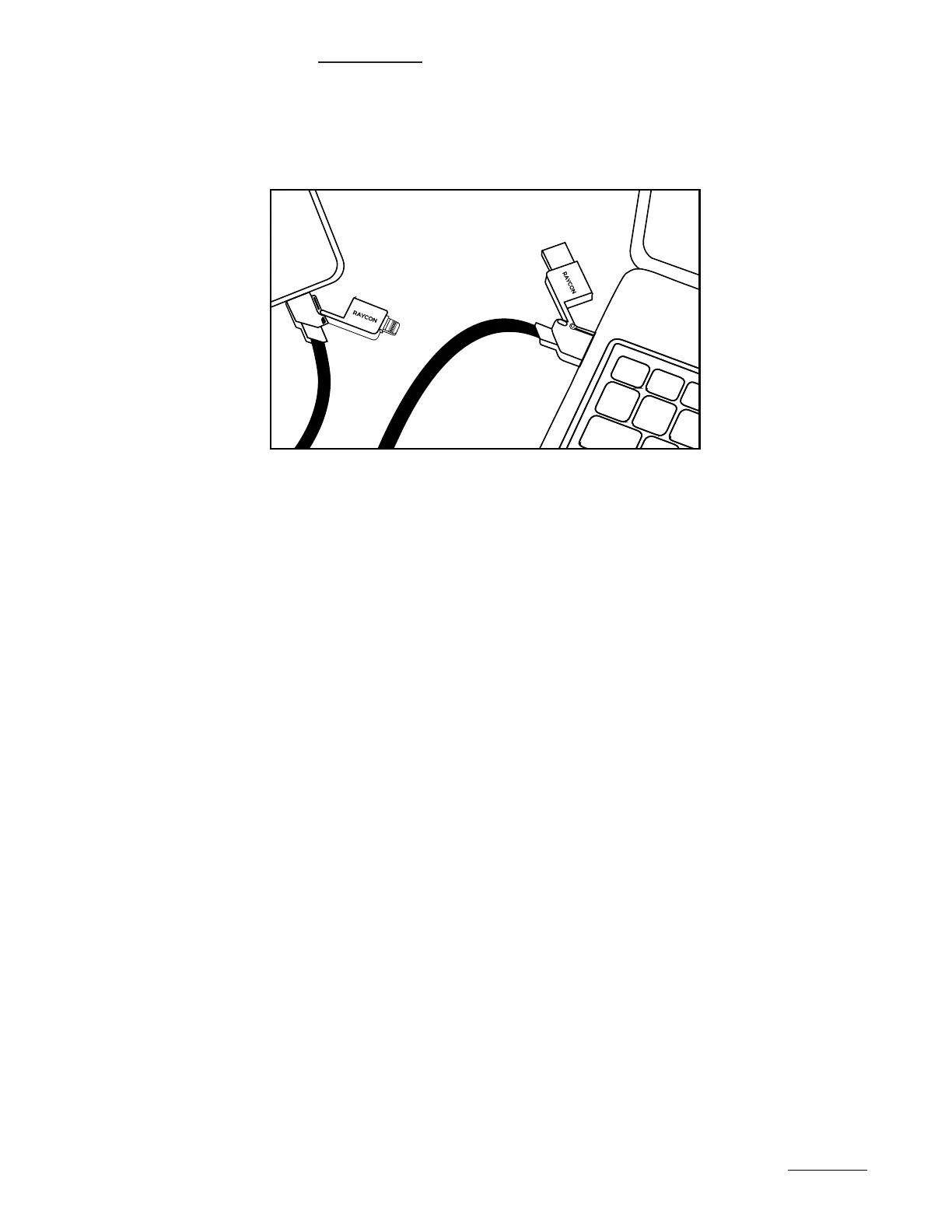
Connect the Input Plugs
The USB-C and USB-A plug heads should be connected to your input source,
such as a computer or charging block.
Connect the Output Plugs
The USB-C and Lightning plugs are for the output source, such as the device
you wish to charge.
Note on Data Transfers
Input and output labels are not applicable to data transfers, as those can be
made bidirectionally.
1.
2.
3.
HANDLING GUIDELINES


 To Next Page