Connection
Power Connection
A. Connect the battery pack or power cable to the equipment.
B. Connect the USB cable from your PC to AGI.
※ Be sure to sure only the dedicated battery pack, RB37WH
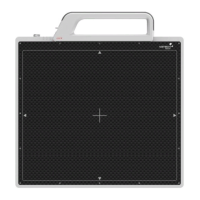
for 1417WCA.
Wireless Communication
A. AP Router(Line sharer) setting
- SSID : Griffon
- Internal network
- IP address : 2.2.2.1
- Subnet mask : 255.255.255.0
- Dynamic IP allocation range : 2.2.2.2~2.2.2.254
- Pre-Shared Key(Password) : project302
- Authentication methods : WPAPSK or WPA2PSK
- Password methods : TKIP/AES
- AP IP : 2.2.2.1
- Channel (Frequency)
- Avoid crowded channel
(Using wireless detector under crowded channel result
in low performance)
- If available, Use ‘Auto-Channel Selection’ function
of router to find optimal channel


 To Next Page