EasyManua.ls Logo

Raymarine HS5 - User Manual

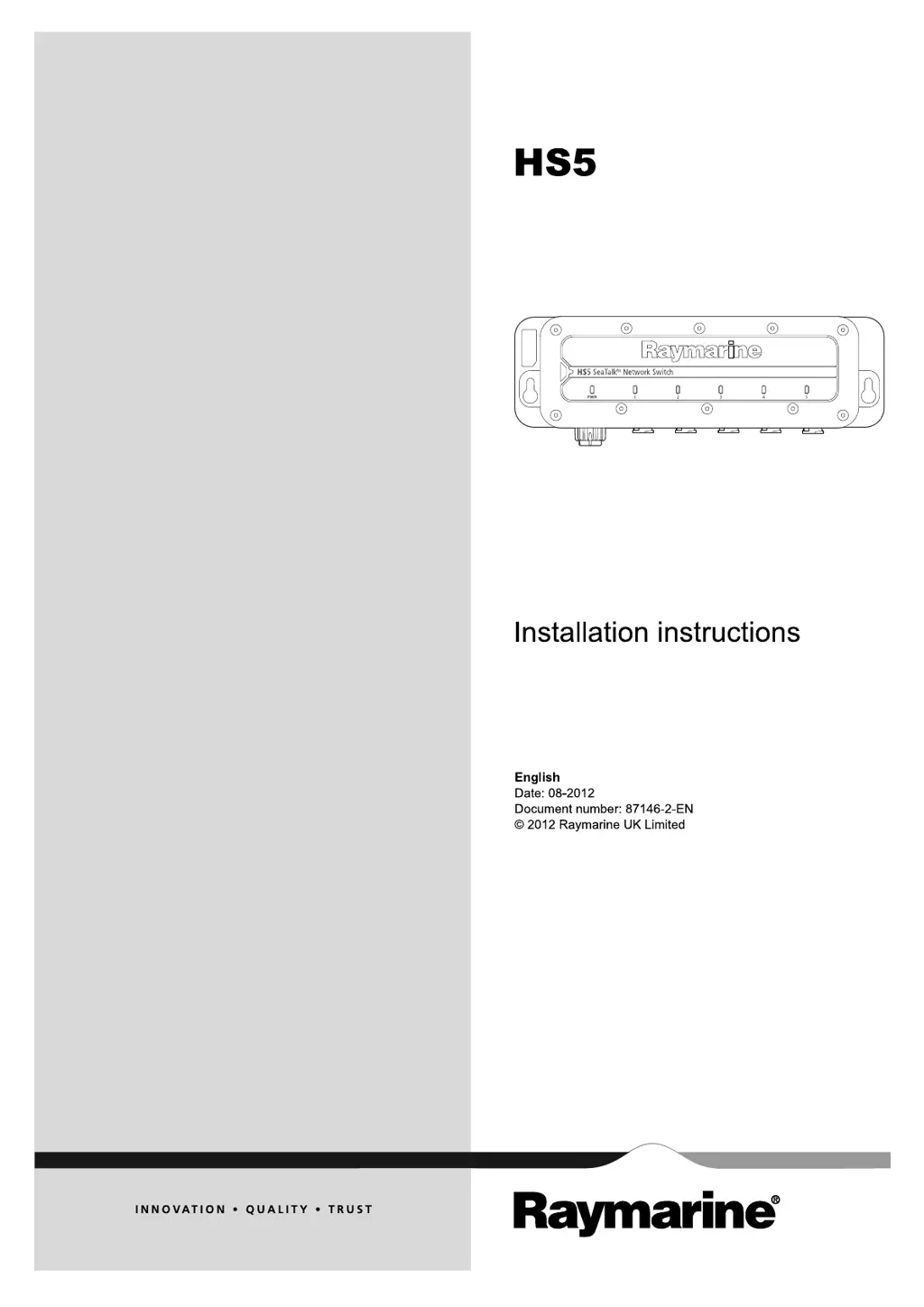
Raymarine HS5
30 pages
Print Icon
To Next Page IconTo Next Page
Loading...
H
S 5
Installation instructions
Englis h
Date: 08-2012
Document numbe r: 87146-2-EN
© 2012 Raymarine UK Limite d
HS5

Questions and Answers

  • T
    Timothy GuerreroJul 27, 2025
    Why is my Raymarine HS5 performance slow?
    • M
      Mercedes EvansJul 27, 2025
      If you're experiencing slow or poor performance with your Raymarine Switch, especially in a large system with multiple network switches, the issue might be how the switches are connected. Ensure you're using the dedicated 1000 Mbit/S port (port 5) to connect the network switches. Remember, you can connect a maximum of two switches together using a 1000 Mbit/S connection.
  • R
    Ryan GarzaAug 6, 2025
    What to do if red power LED is lit but no port green LEDs are lit on Raymarine Switch?
    • E
      Edward RamirezAug 6, 2025
      If the red power LED is on but none of the green port LEDs are lit on your Raymarine Switch, there could be a connection problem or no network activity. First, check the cable connection for the affected port. Also, make sure the unit connected to the switch is powered on and actively transferring data. You can confirm data transfer by initiating an action on the multifunction display that triggers data transfer for the unit. For instance, if you suspect a problem with the port for a connected radar scanner, try ranging in or out in the radar application to start data activity.
  • R
    Robert CharlesAug 17, 2025
    How to fix Raymarine HS5 Switch when no LEDs are lit?
    • K
      kelsey09Aug 17, 2025
      If no LEDs are lit on your Raymarine Switch, the most likely cause is a lack of power. Check the power connection to the unit to ensure it is properly connected.

Summary

Chapter 1: Introduction

Safety Notices

Provides critical warnings for safe installation and operation of the product.

Important Information

Contains crucial advice on power supply protection and product grounding for safe use.

Chapter 2: Planning the Installation

Installation Checklist and Parts Supplied

Covers essential installation checklist items and lists all components included in the package.

SeaTalkhs and System Configurations

Explains SeaTalkhs technology, typical system examples, and multiple switch connections.

Multiple Switch Configurations

Details how to connect multiple network switches for larger systems.

Chapter 3: Cables and Connections

General Cabling Guidance

Provides best practices for cable selection, routing, bend diameter, and strain relief.

Connections Overview

Details the available ports on the network switch and their specifications.

Network Hardware and Cables

Lists network hardware, RayNet cables, and their respective part numbers.

Network Cable Connector Types

Illustrates the physical appearance of SeaTalkhs and RayNet connector types.

Equipment Connection Scenarios

Explains how to connect equipment using different cable scenarios.

Power Connection

Describes how to connect the unit to a 12V or 24V power source safely.

Chapter 4: Installation

Location Requirements

Advises on selecting a suitable and safe location for the unit, considering environmental factors.

Mounting the Unit

Provides step-by-step instructions for physically mounting the network switch.

Chapter 5: Troubleshooting and Support

LED Locations

Identifies the location of LEDs on the switch and their general purpose for status indication.

LED Indications

Explains the meaning of different LED states for diagnostic purposes.

Network Switch Troubleshooting

Lists common problems, their possible causes, and recommended solutions.

Raymarine Customer Support

Provides contact details for technical support and warranty registration.

Appendix A: Technical Specification

Raymarine HS5 Specifications

General IconGeneral
BrandRaymarine
ModelHS5
CategorySwitch
LanguageEnglish

Related product manuals