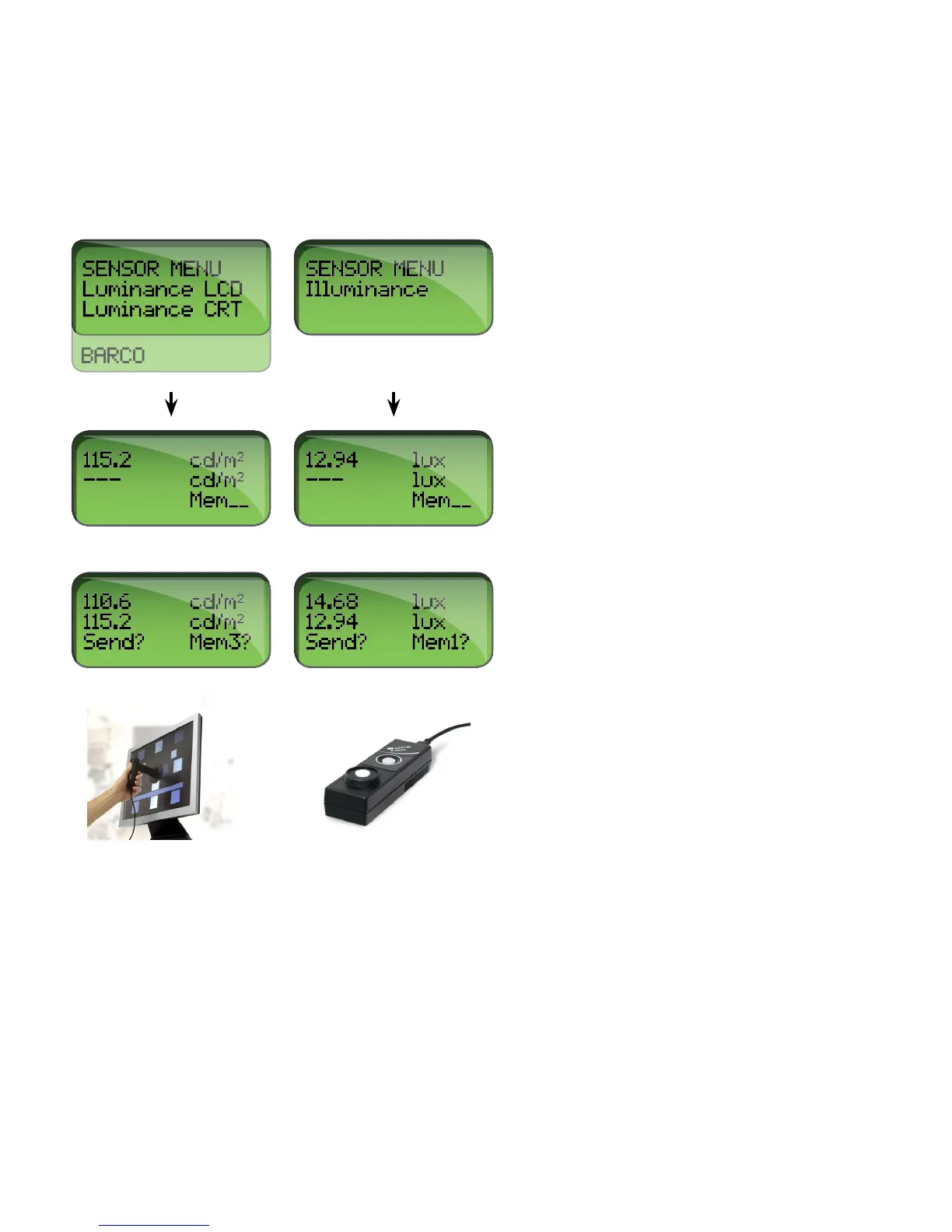
Press STEP when in MEASURE MODE to freeze and move the measured value to the second line of the
display. A new press on STEP will move a new measured value to the second line of the display. Store the
measured value (and send it via the RS-232 interface) in the RaySafe Solo memory by pressing SELECT. A
memory counter (Mem #) will be displayed at the very bottom of the display.
3. SETUP MENU
Press SELECT to enter the SETUP MENU (from MEASURE MODE) and STEP to step between setup
parameters.


 To Next Page