29 | razer™
6. USING YOUR RAZER ATROX
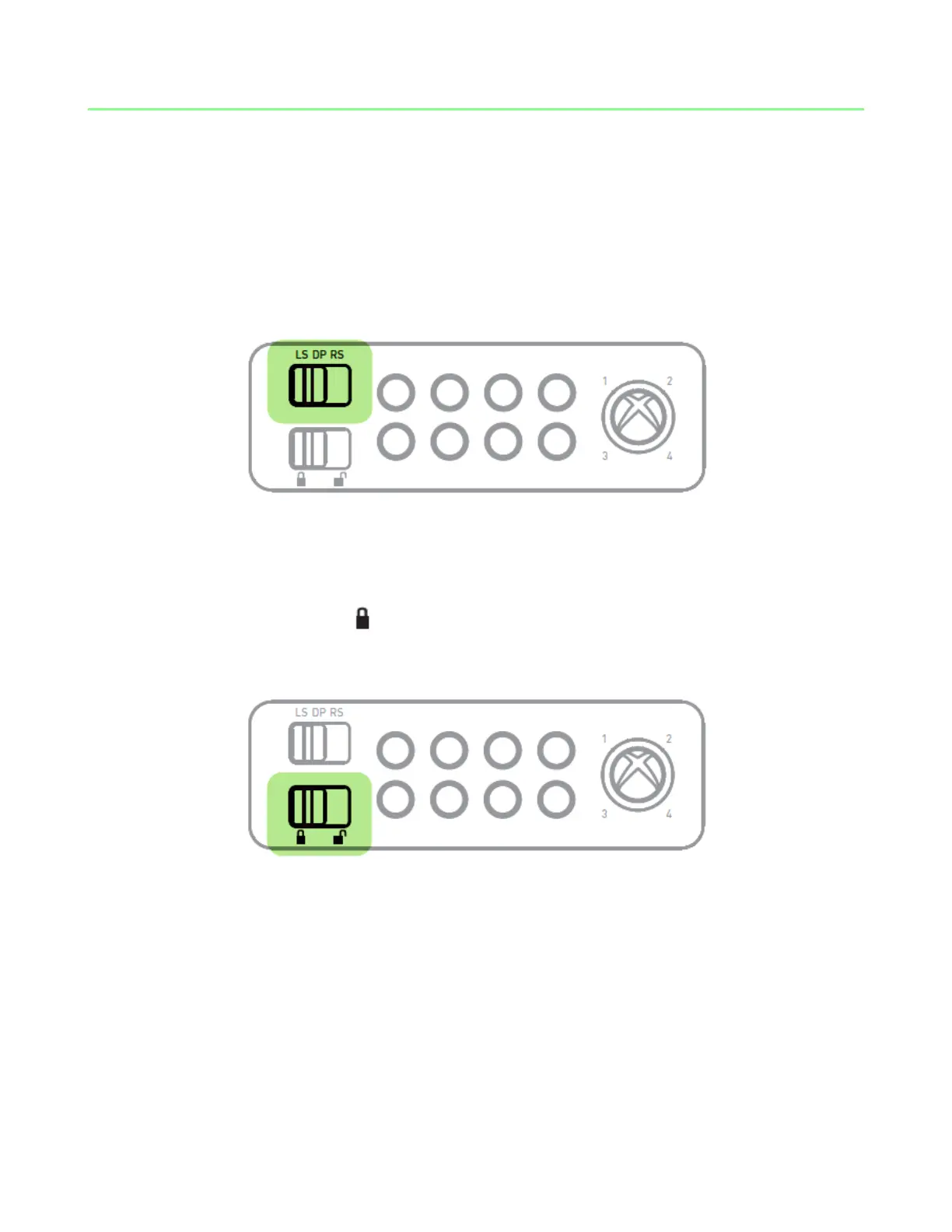
Control Stick Switch
The Control Stick Switch allows you to change the functionality of the joystick to
emulate the Left Analog Stick, Right Analog Stick or Directional Pad of the standard
controller.
Note: To navigate the Xbox 360 Dashboard, set the Control Stick Switch to Directional Pad (DP).
Lock / Unlock Switch
Setting this switch to Lock ( ) will disable the Start, Back, Xbox Guide and Turbo
Buttons. However, all previously assigned turbo functions will remain active.


 To Next Page