30 | For gamers by gamers™
Turbo Buttons
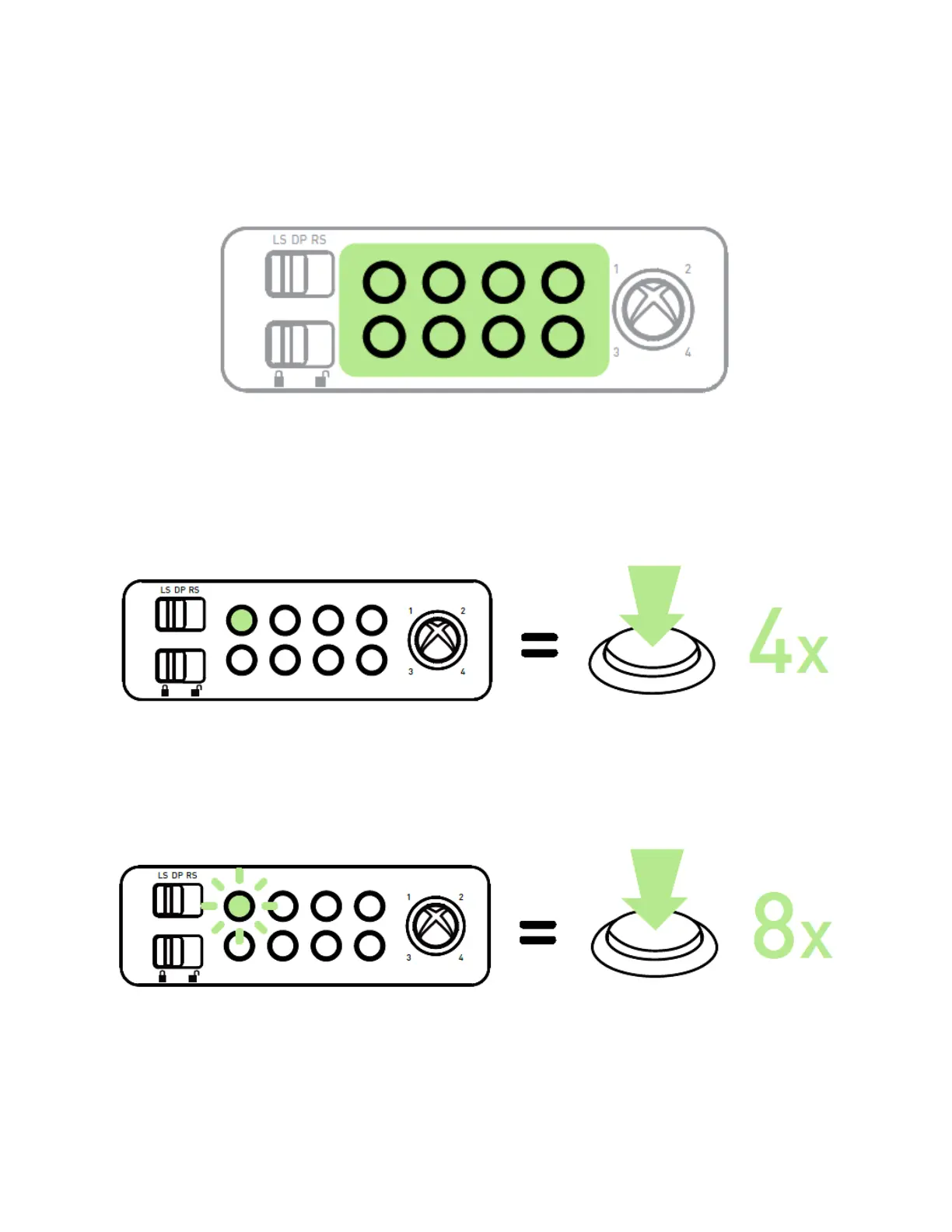
The Turbo Buttons allow you to hold down a button instead of tapping that button
repeatedly. There are 2 levels of turbo:
Turbo 1: To activate Turbo 1, press the turbo button once. The turbo button will have a
steady light to indicate that turbo 1 is activated. When held down, the corresponding
action button will perform an action four times (4x) every second.
Turbo 2: To activate Turbo 2, press the turbo button twice. The turbo button will blink
to indicate that turbo 2 is activated. When held down, the corresponding action button
will perform an action eight times (8x) every second.
While in Turbo 1 or Turbo 2, press the respective turbo button once to cancel the turbo
mode.


 To Next Page