SWITCHING SCROLL MODES
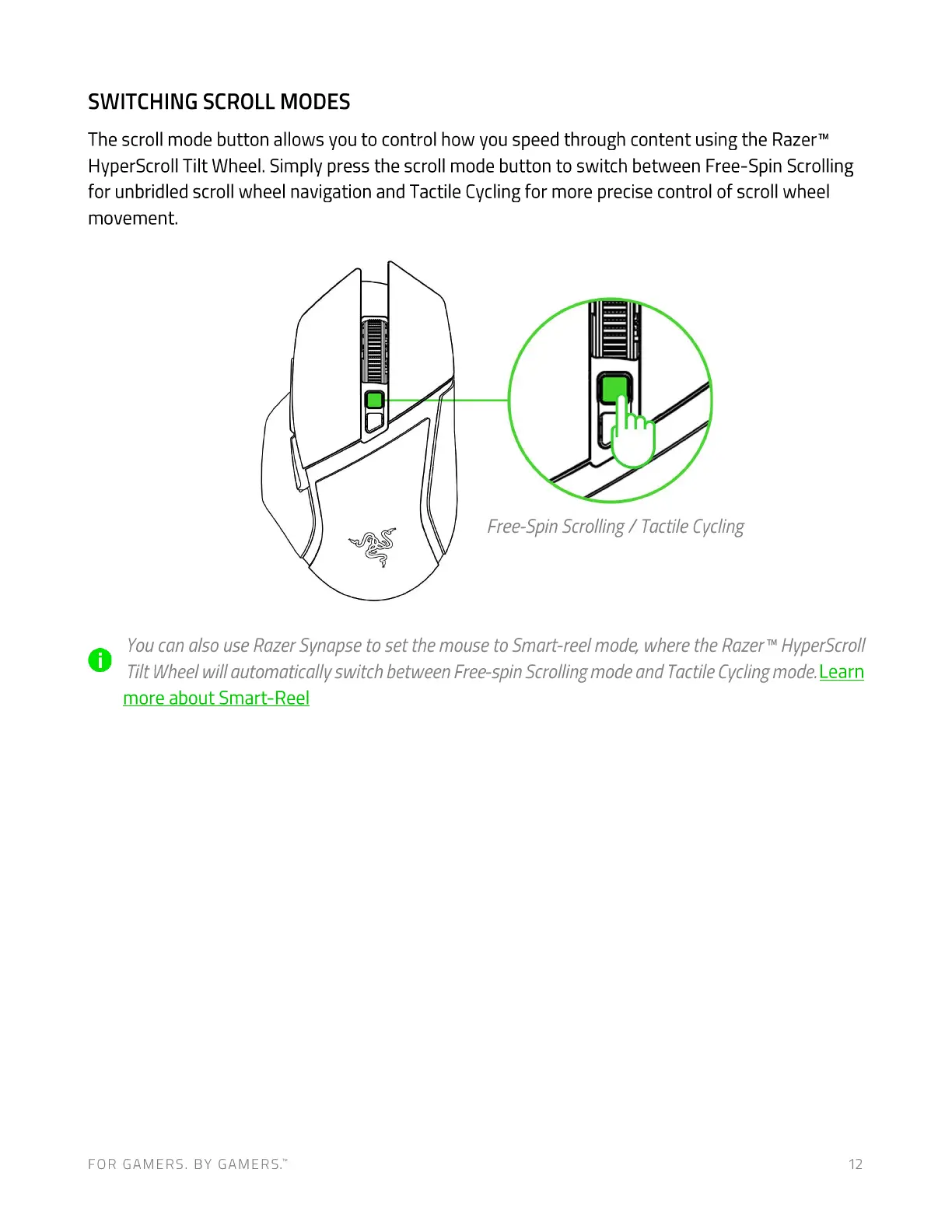
The scroll mode button allows you to control how you speed through content using the RazerTM
HyperScroll Tilt Wheel. Simply press the scroll mode button to switch between Free-Spin Scrolling
for unbridled scroll wheel navigation and Tactile Cycling for more precise control of scroll wheel
movement.
Free-SpinScrolling/ TactileCycling
Youcan also use RazerSynapseto set the mouse to Smart-reel mode, where the RazerTMHyperScro//
O
Tilt Wheel will automatically switch between Free-spin Scrolling mode and Tactile Cycling mode. Learn
more about Smart-Reel
FOR GAMERS. BY GAMERS.W 12











 To Next Page