Performance
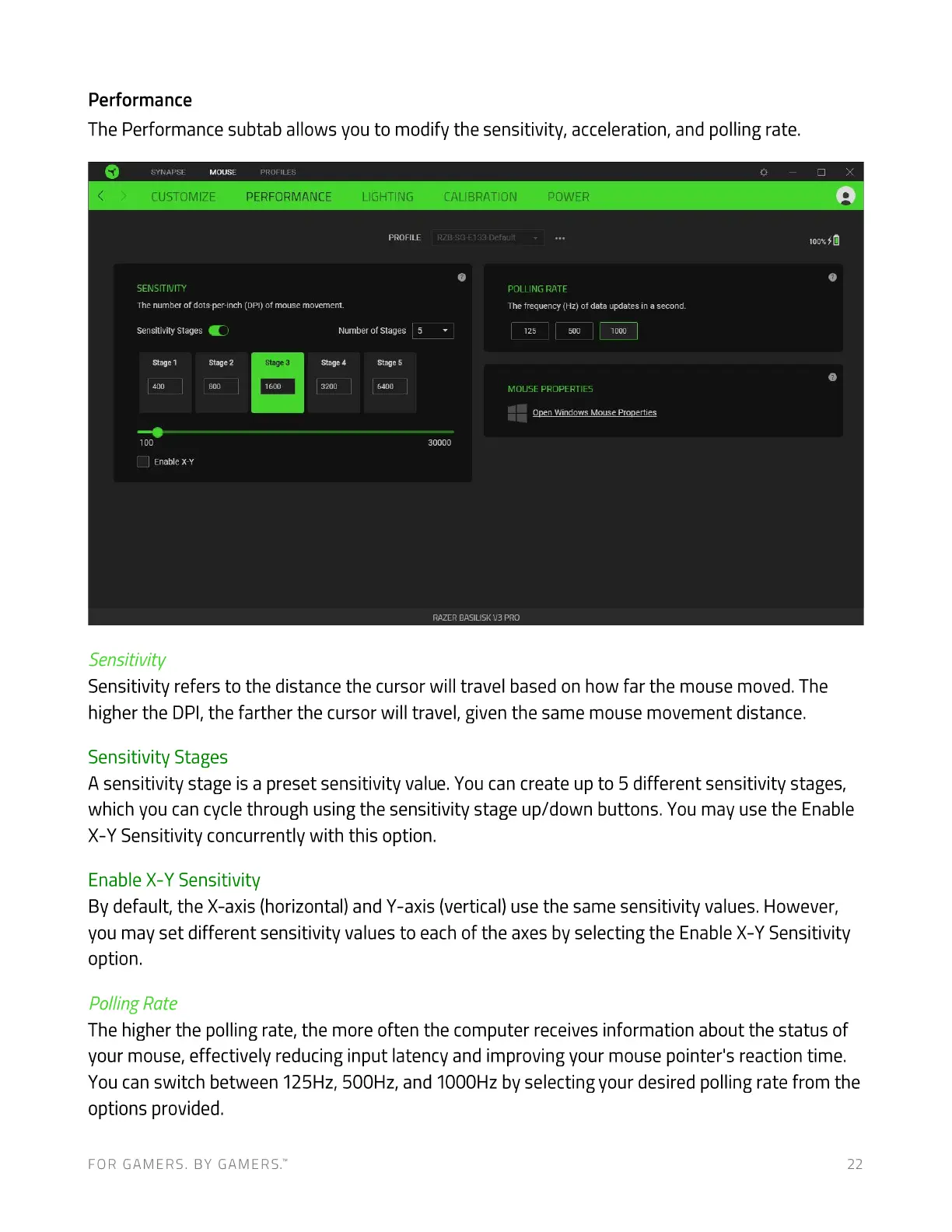
The Performance subtab allows you to modify the sensitivity, acceleration, and polling rate.
SYNAPSE MOUSE PROFILES
CUSTOMIZE PERFORMANCE
SENSITIVITY
The number of dots-per-inch (DPI)of mouse movement.
LIGHTING
PROFILE
CALIBRATION
RZB-SG-E133-Defauit
POWER
SensitivityStagesC)
1
100
C) Enablex-Y
Sensitivity
Number of Stages
4
stage 5
5
2
Stage 3
1600
POLLING RATE
The frequency (Hz) of data updates in a second.
125
MOUSE PROPERTIES
Open Windows Mouse properties
30000
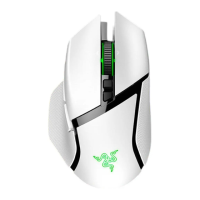
RAZER BASILISK PRO
Sensitivity refers to the distance the cursor will travel based on how far the mouse moved. The
higher the DPI, the farther the cursor will travel, given the same mouse movement distance.
Sensitivity Stages
A sensitivity stage is a preset sensitivity value. You can create up to 5 different sensitivity stages,
which you can cycle through using the sensitivity stage up/down buttons. You may use the Enable
X-Y Sensitivity concurrently with this option.
Enable X-Y Sensitivity
By default, the X-axis (horizontal) and Y-axis (vertical) use the same sensitivity values. However,
you may set different sensitivity values to each of the axes by selecting the Enable X-Y Sensitivity
option.
Polling Rate
The higher the polling rate, the more often the computer receives information about the status of
your mouse, effectively reducing input latency and improving your mouse pointer's reaction time.
You can switch between 125Hz, 500Hz, and 1000Hz by selecting your desired polling rate from the
options provided.
FOR GAMERS. BY GAMERS.W 22



 To Next Page