PROFILES TAB
The Profiles tab is a convenient way to manage all your profiles and link them to your games and
applications.
Devices
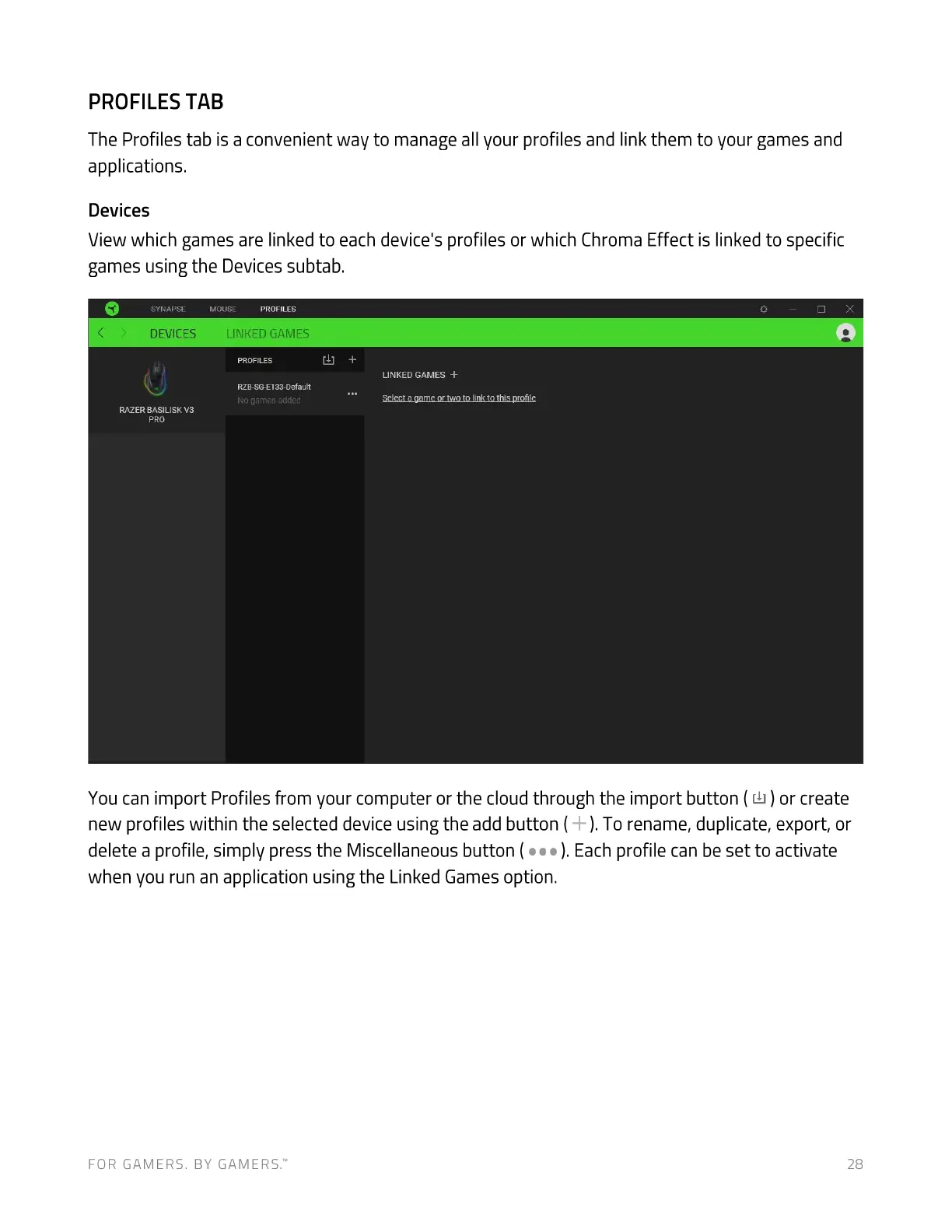
View which games are linked to each device's profiles or which Chroma Effect is linked to specific
games using the Devices subtab.
SYN APSE
DEVICES
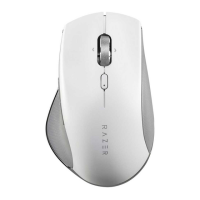
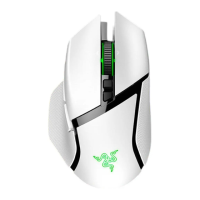
RAZER BASILISK V3
PRO
MOUSE PROFILES
LINKED GAMES
PROFILES
RZB-SG-E133-Default
No games added
LINKED GAMES +
Select a game or two to link to this profile
You can import Profiles from your computer or the cloud through the import button ( Lb) or create
new profiles within the selected device using the add button ( ). To rename, duplicate, export, or
delete a profile, simply press the Miscellaneous button ( ). Each profile can be set to activate
when you run an application using the Linked Games option.
FOR GAMERS. BY GAMERS.W



 To Next Page