SETTINGS WINDOW
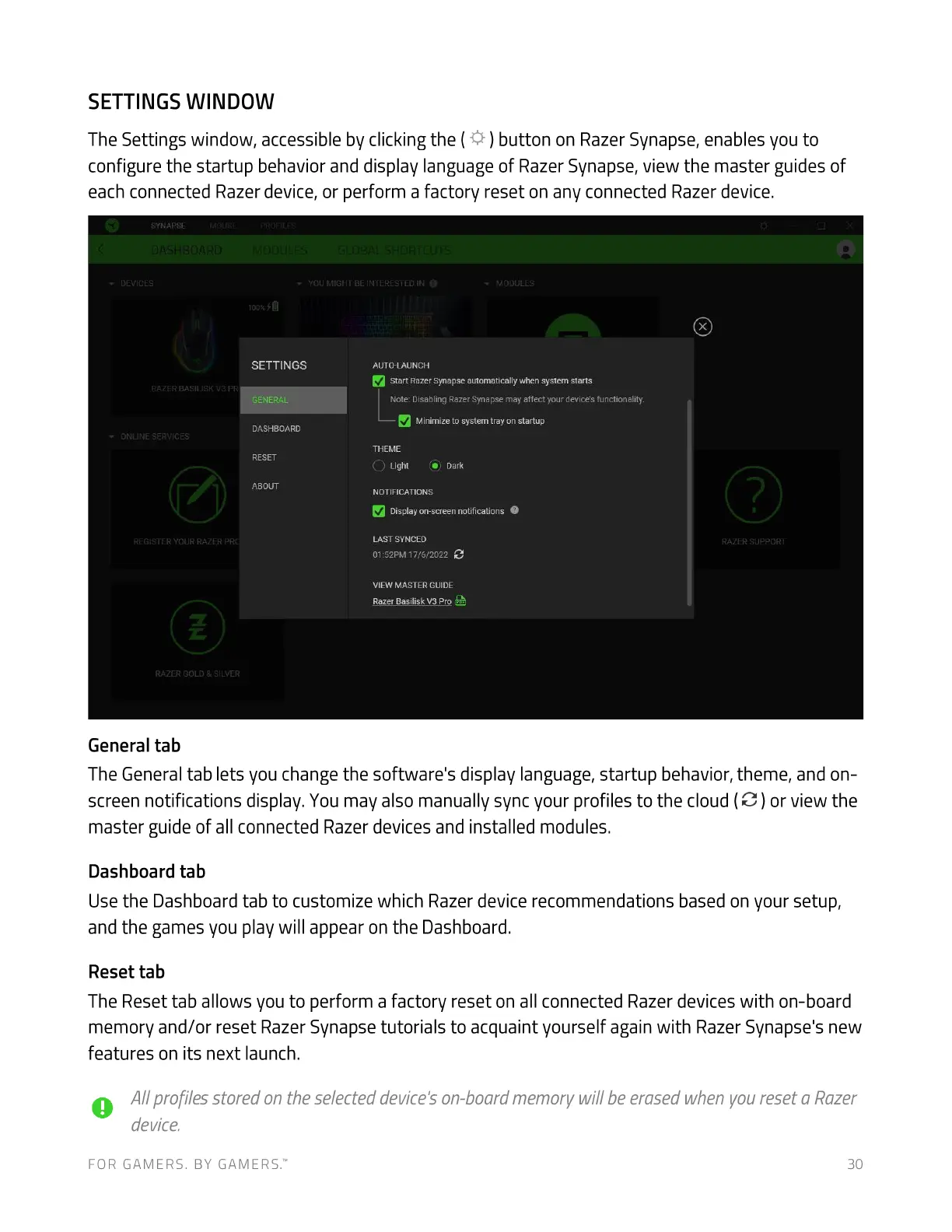
The Settings window, accessible by clicking the ( ) button on Razer Synapse, enables you to
configure the startup behavior and display language of Razer Synapse, view the master guides of
each connected Razer device, or perform a factory reset on any connected Razer device.
SYNAPSE
MIGHT @
SETTINGS
RAZER BASILISK va PW
GENERAL
DASHBOARD
ONWUE SERVICES
RESET
ABOUT
REGISTER YOUR RAZER PRC
RAZER GOLD SiLVER
General tab
AUTO-LAUNCH
Start RazerSynapseautomatically when system starts
Note: Disabling RazerSynapse may affect your devices functionality.
Minimize to system tray on startup
THEME
Light • Dark
NOTIFICATIONS
Displayon-screennotifications O
LAST SYNCED
01:52PM 17/6/2022
VIEW MASTER GUIDE
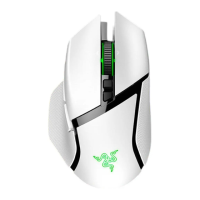
Razer Basilisk V3 Pro
RAZER SUPPORT
The General tab lets you change the software's display language, startup behavior, theme, and on-
screen notifications display. Youmay also manually sync your profiles to the cloud (C ) or view the
master guide of all connected Razer devices and installed modules.
Dashboard tab
Use the Dashboard tab to customize which Razer device recommendations based on your setup,
and the games you play will appear on the Dashboard.
Reset tab
The Reset tab allows you to perform a factory reset on all connected Razer devices with on-board
memory and/or reset Razer Synapse tutorials to acquaint yourself again with Razer Synapse's new
features on its next launch.
A1/profiles stored on the selected device'son-board memory will be erased when voureset a Razer
device.
FOR GAMERS. BY GAMERS.W 30




 To Next Page