5. SETTING UP YOUR RAZER BASILISK PRO
CHARGING YOUR MOUSE
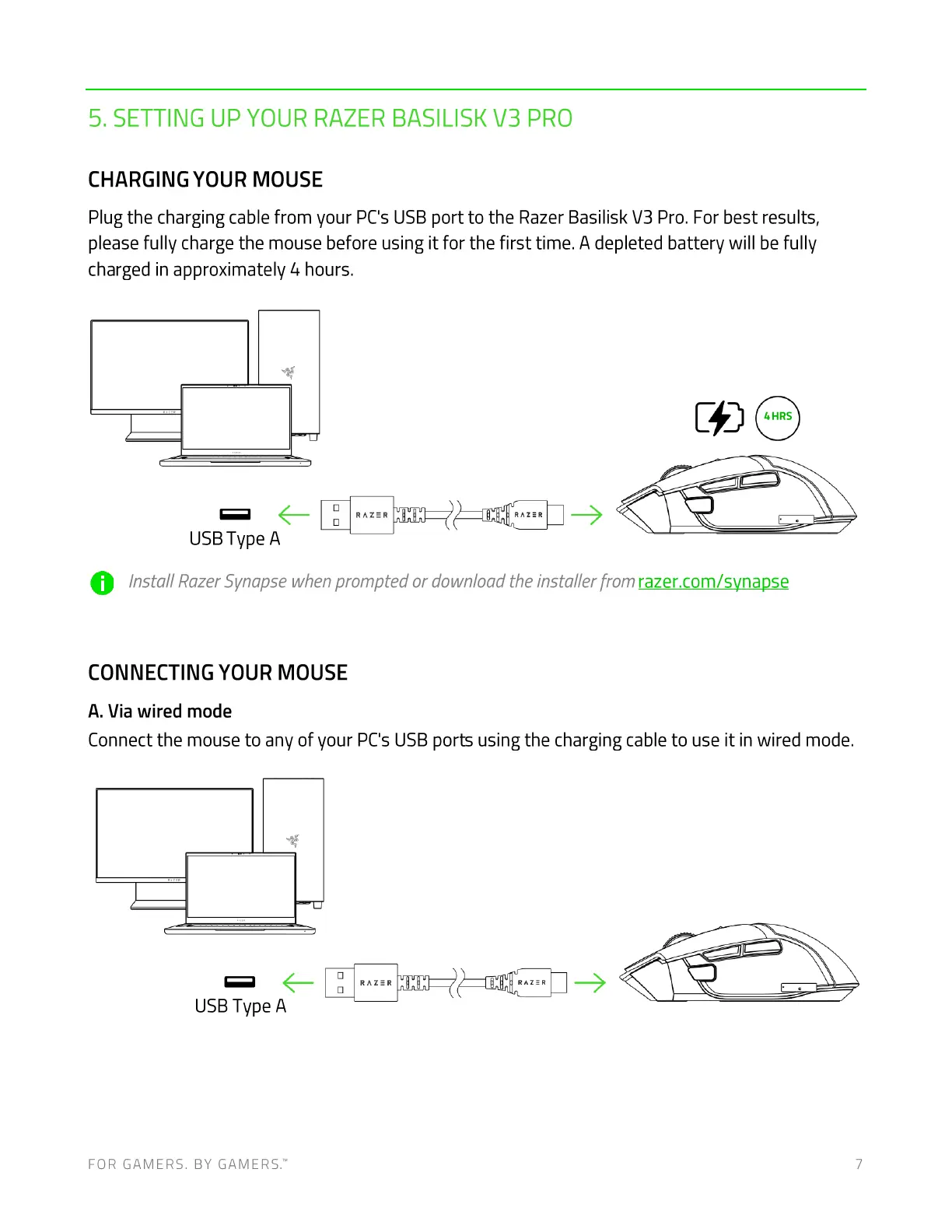
Plug the charging cable from your PCs USB port to the Razer Basilisk \/3 Pro. For best results,
please fully charge the mouse before using it for the first time. A depleted battery will be fully
charged in approximately 4 hours.
cDO
USB Type A
O Instal/RazerSynapsewhenpromptedordownloadtheinstallerfromrazer.com/synapse
CONNECTING YOUR MOUSE
A. Via wired mode
Connect the mouse to any of your PCs USB ports using the charging cable to use it in wired mode.
USBType A
FOR GAMERS. BY GAMERS.W 7











 To Next Page