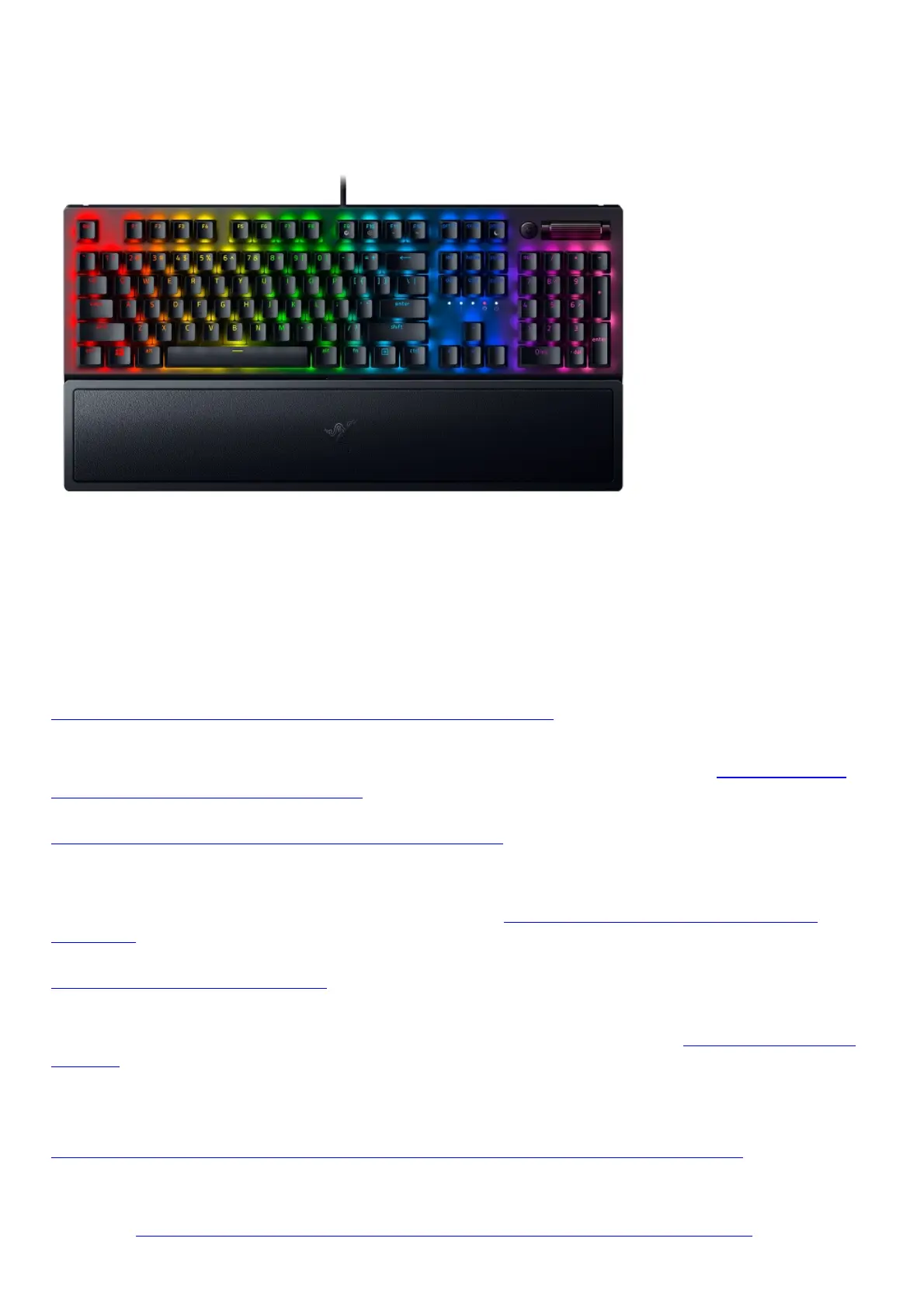
How To
How to enable gaming mode on a Razer Keyboard
The Gaming Mode disables the Windows Key function to avoid accidental usage. Furthermore, you can
maximize the effect of Anti-Ghosting by activating the Gaming Mode function. See How to enable
gaming mode on a Razer keyboard for more details and instructions.
How to replace keycaps on a Razer keyboard
Keycaps are being replaced to improve the aesthetics and typing feel of the keyboard, to opt for a
more durable kind, or to replace faded or broken ones. In replacing the keycaps, it is important to
follow proper removal and reinstallation procedure. See How to replace keycaps on a Razer
keyboard for more details and instructions.
How to clean Razer devices
Razer devices are built to last extreme gaming sessions and productive work. However, dirt and grime
can accumulate over time and may hamper performance and experience. See How to clean Razer
devices for more details and instructions.
Troubleshooting
Razer keyboard spams keys or does not register input when pressed
If your keyboard spams keys or does not register input when pressed, this may be due to a faulty
switch or a firmware, driver, or hardware issue. This may also because the device is in “Demo Mode”.
Check out Razer keyboard spams keys or does not register input when pressed to resolve this
issue.





 To Next Page