3. Follow the onscreen instructions to complete the Windows 11 setup.
When prompted, it is recommended that you connect your laptop to a
wireless network with an active internet connection.
PERSONALIZING YOUR LAPTOP
Aside from allowing you to download drivers or firmware updates for your Razer
Blade 17 and other supported Razer peripherals, Razer Synapse also enables you to
customize all your Razer devices’ advanced settings and lighting effects. When
logged in, these custom settings are automatically stored to the cloud so that they
can be accessed from any computer.
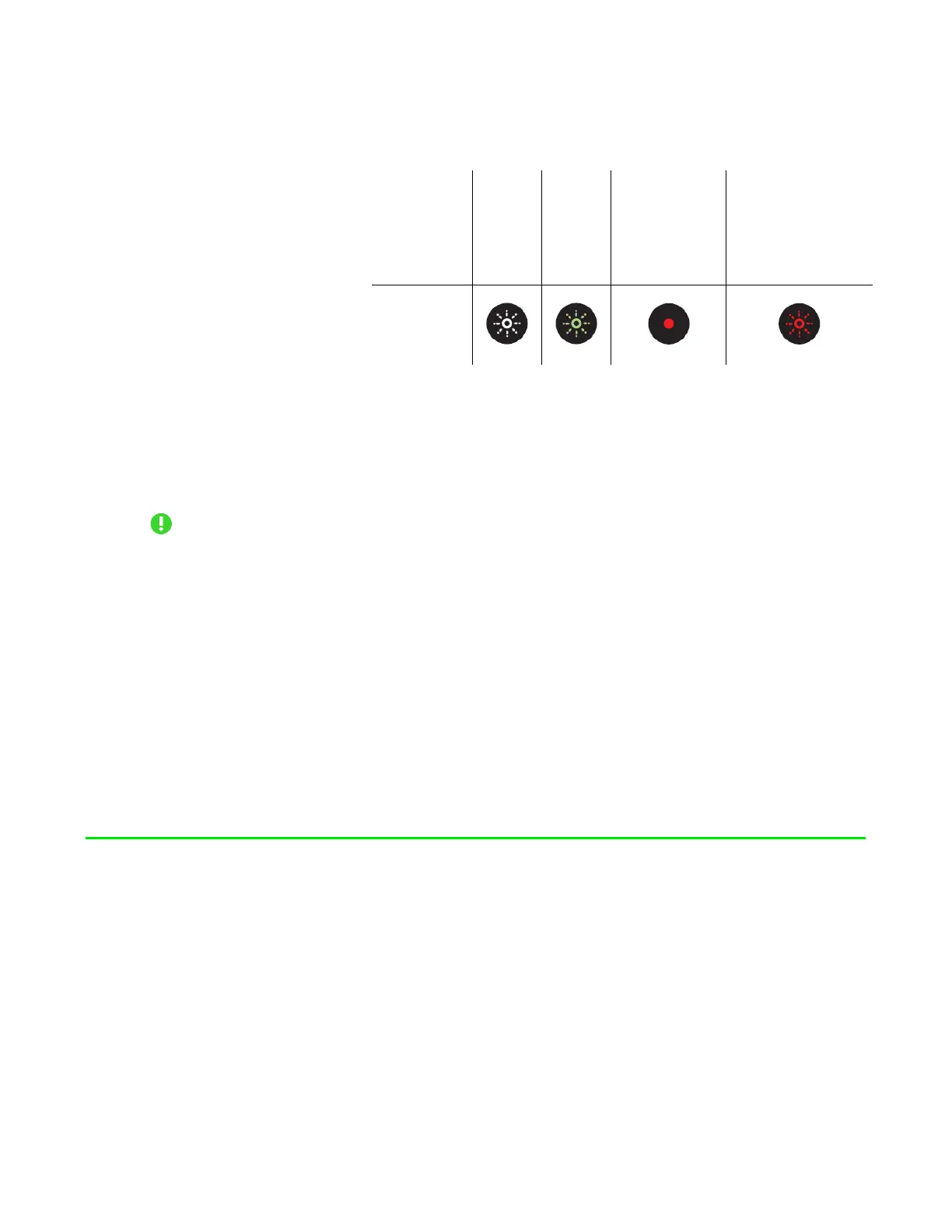
Sleep On
Low
battery
(10% left)
(3% left)
indicator
FOR GAMERS. BY GAMERS.
™
5



 To Next Page