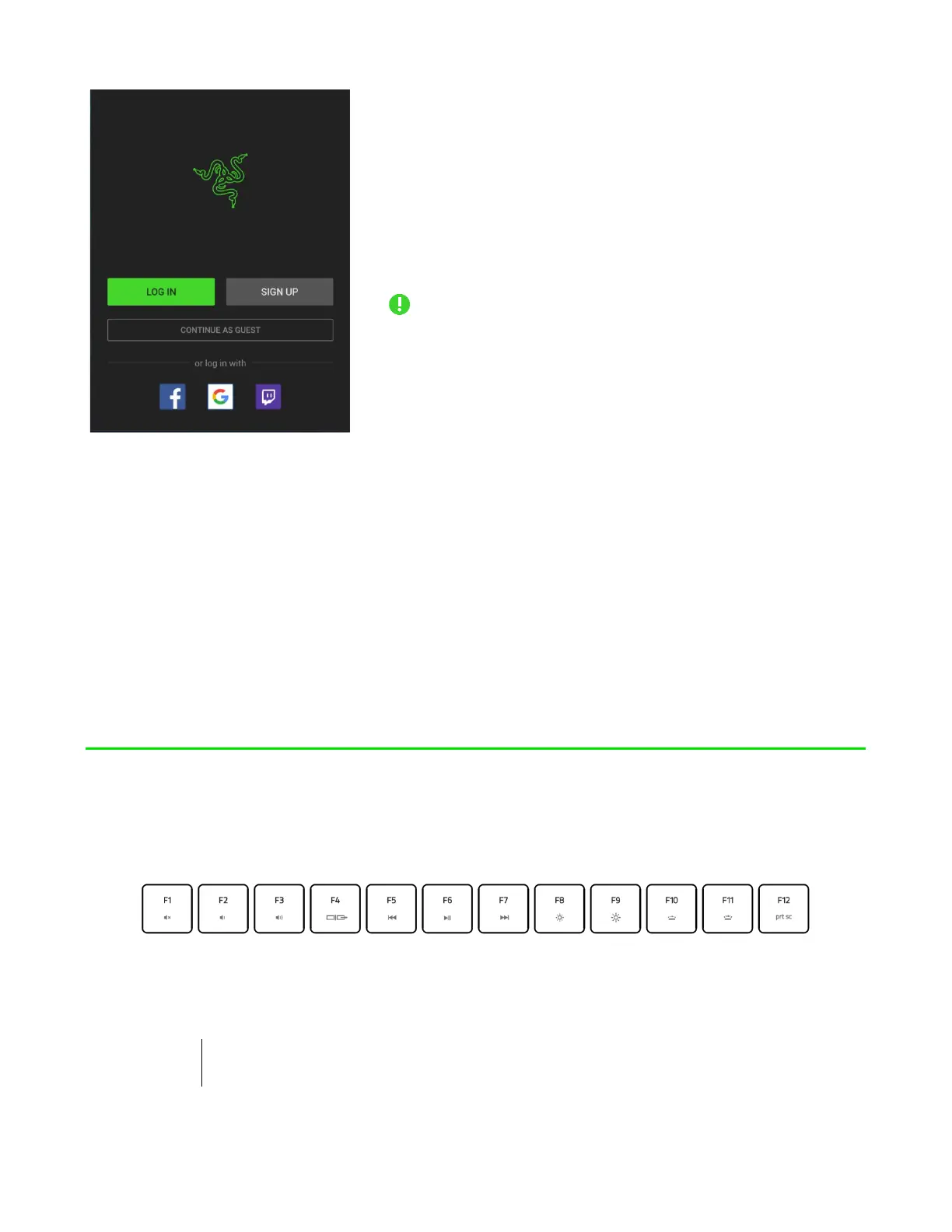
1. Make sure your
laptop has an active internet connection.
2. By default, Razer
Synapse will start automatically once you enter
Windows 11. Simply sign up for a Razer ID or log in
with an existing account.
You may also
continue as a guest; however, you won’t be
able to store any of your settings to the
cloud.
3. Wait until Razer
Synapse automatically downloads and installs the
necessary drivers.
USING YOUR RAZER BLADE 17
KEYBOARD FEATURES
Pressing the “fn” key in combination with the function keys will activate their
secondary functions.
Secondary function description
FOR GAMERS. BY GAMERS.
™
6



 To Next Page