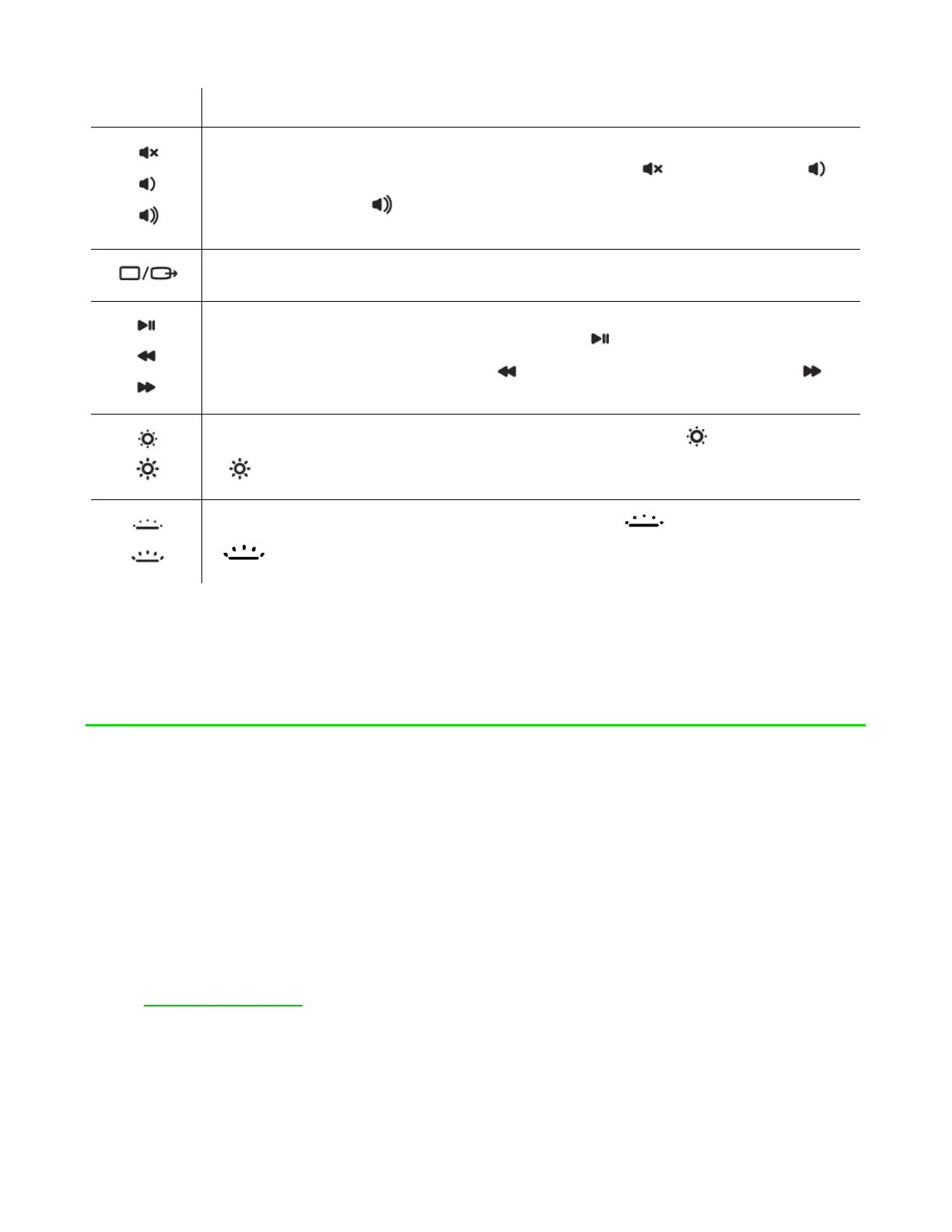
The audio volume controls allow you to mute ( ), decrease ( )
and increase ( ) the audio output.
Toggles the monitor output.
The media keys allow you to play/pause ( ) the current track,
return to the previous track ( ) or skip to the next track ( ).
The screen brightness keys allow you to decrease ( ) or increase
( ) the brightness of the Razer Blade 17’s screen.
The LED control keys allow you to decrease ( ) or increase
( ) the brightness of your keyboard’s LEDs.
SAFETY AND MAINTENANCE
SAFETY GUIDELINES
In order to achieve maximum safety while using your Razer Blade 17, we suggest that
you adopt the following guidelines:
1. Should you have trouble operating the device properly and troubleshooting
does not work, unplug the device and contact the Razer hotline or go to
support.razer.com for assistance.
2. Do not take apart the device (doing so may void your warranty) and do not
attempt to operate it under abnormal current loads.
FOR GAMERS. BY GAMERS.
™
7



 To Next Page