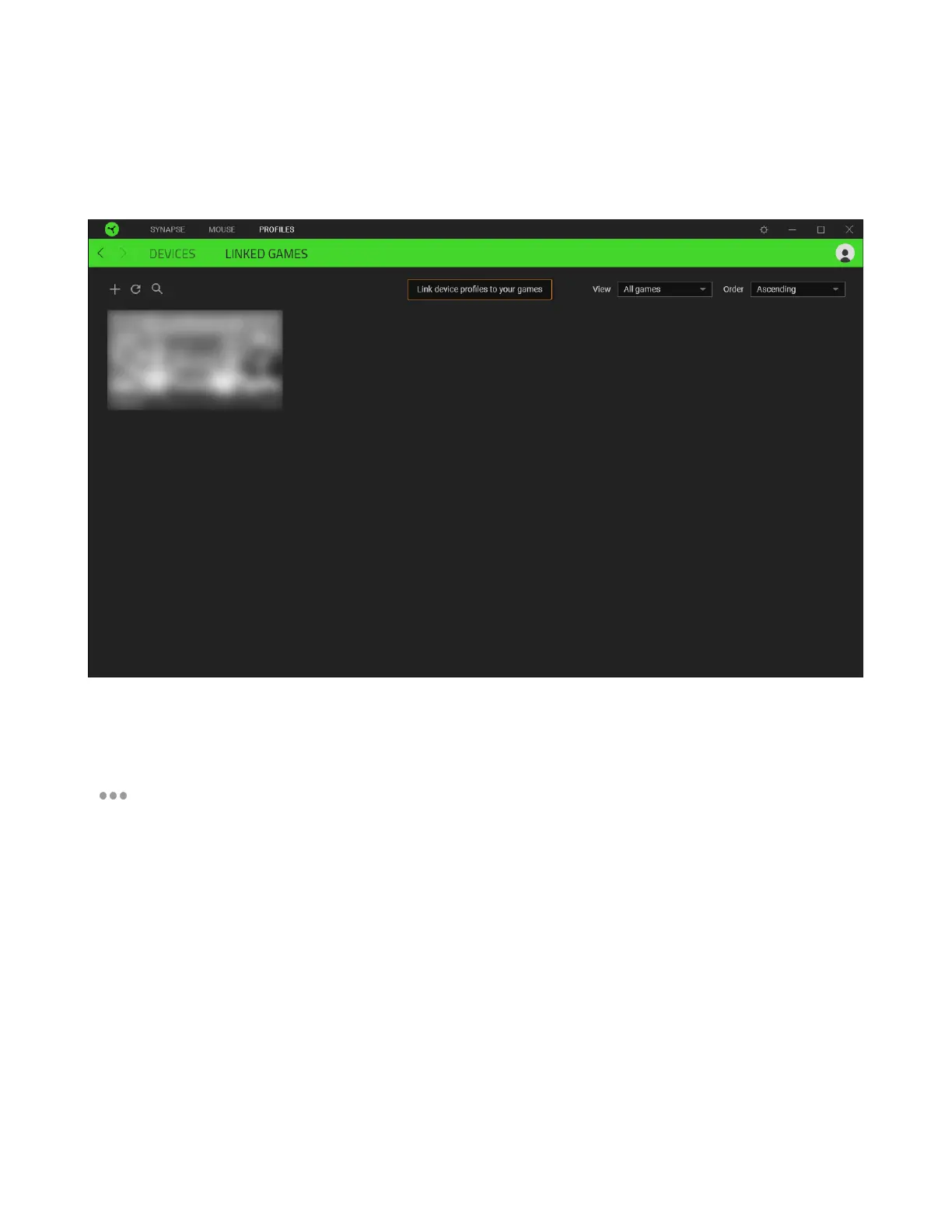
Linked Games
The Linked Games subtab gives you the flexibility to add games, view devices that are linked to
games, or search for added games. You can also sort games based on alphabetical order, last played,
or most played. Added games will still be listed here even if it is not linked to a Razer device.
To link games to connected Razer devices or Chroma Effects, simply click on any game from the list,
and then click Select a device and its profile to launch automatically during gameplay to select the
Razer device or Chroma Effect it will link with. Once linked, you may click on the Miscellaneous button
( ) of the corresponding Chroma Effect or device to select a specific Chroma Effect or profile.













 To Next Page