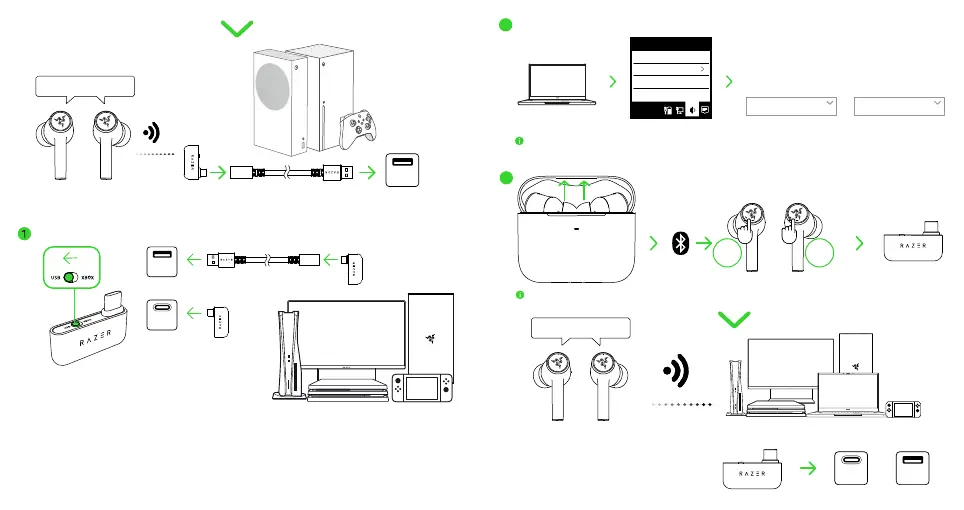
USB
Type A
HYPERSPEED WIRELESS
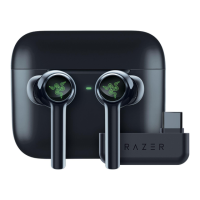
C. To other devices via the USB Type C wireless dongle (2.4 GHz)
2
Open Volume Mixer
Open Sound settings
Spatial sound (Off)
Sounds
Troubleshoot sound problems
Sound
InputOutput
Choose your
output device
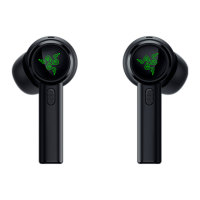
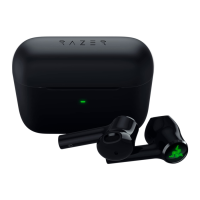
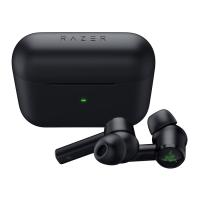
Razer Hammerhead
HyperSpeed 2.4
Choose your
input device
Razer Hammerhead
HyperSpeed 2.4
When using the earbuds with a compatible device, set Razer Hammerhead HyperSpeed 2.4 as the
default input and output device (if applicable).
This step is only applicable if the earbuds are connected to your device via Bluetooth.
3
TAP
3X
TAP
3X
OR
USB
Type A
HYPERSPEED WIRELESS
USB
Type C
OR
Hammerhead HyperSpeed Xbox EU_AP_CHS IPIG 1116 ECR.indd 12-13Hammerhead HyperSpeed Xbox EU_AP_CHS IPIG 1116 ECR.indd 12-13 16/11/22 6:19 PM16/11/22 6:19 PM



 To Next Page