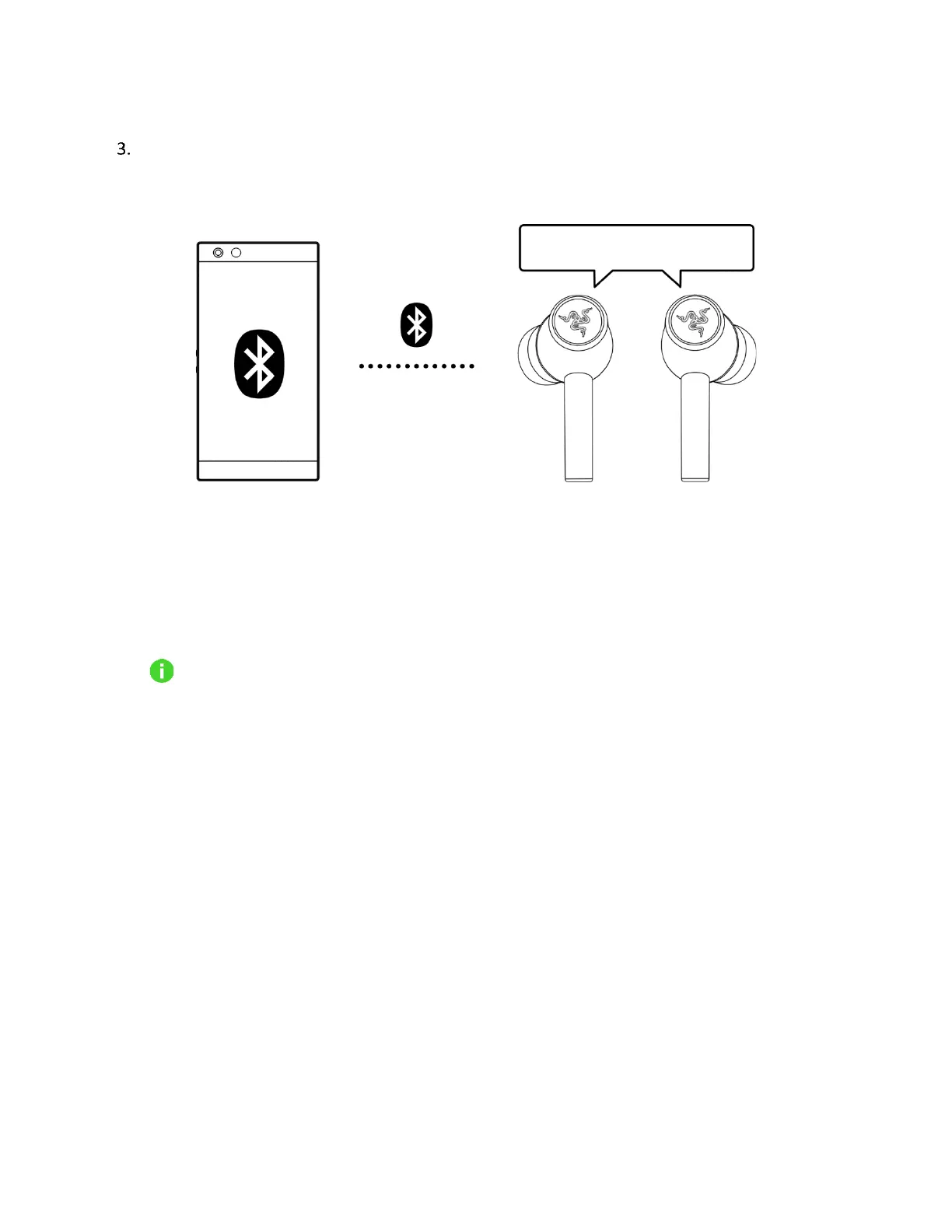
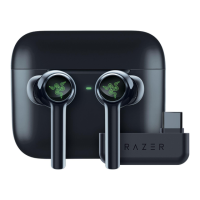
Wait until both devices are connected. You will hear an audio prompt when the earbuds have
successfully paired and connected to your device.
If the earbuds fail to connect to your device, the earbuds will stay in search mode and power
off after 3 minutes. If this happens, place the earbuds back inside the charging case and repeat
the steps above.
Once the earbuds have been paired, they will automatically try to connect to that
paired mobile device every time the charging case's lid is opened or the earbuds are
powered on. Your earbuds can only connect to one mobile device at a time.









 To Next Page