6. USING YOUR EARBUDS
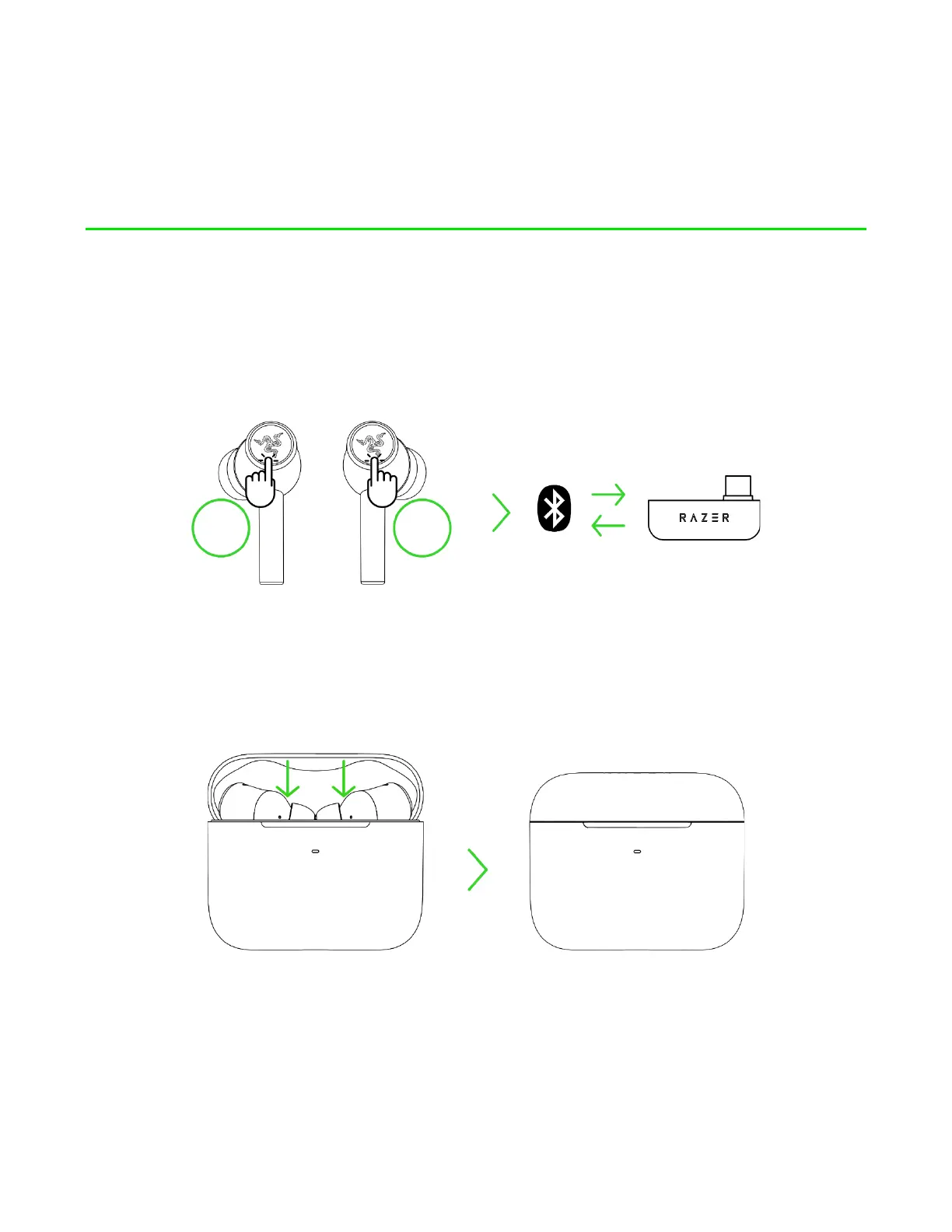
SWITCHING BETWEEN AUDIO SOURCES
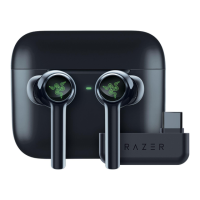
When connected to any audio source, tap the function button thrice to switch between the USB Type
C wireless dongle and Bluetooth audio source or vice versa.
POWER ON/OFF
Place the earbuds inside the charging case and close the lid to power off the device. Opening the lid if
they are in the charging case will power them on.
If the earbuds are left idle outside the charging case for a few minutes, you will hear an audio prompt,
and then the earbuds will power off. Simply wear the earbuds properly to power them on again.









 To Next Page