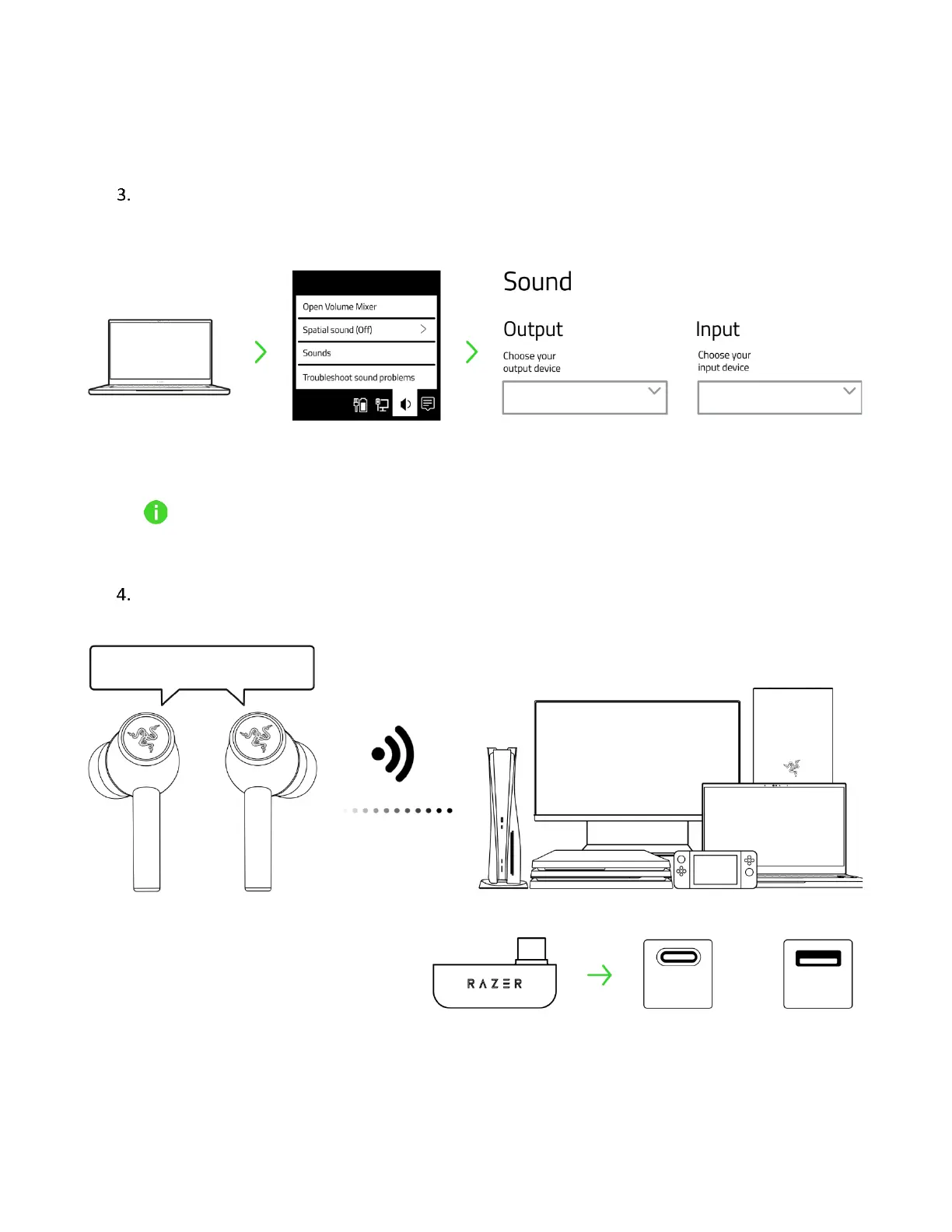
This step is only applicable if the earbuds are connected to your device via Bluetooth.
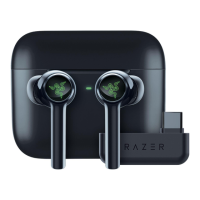
On your device (if applicable), set the Razer Hammerhead Pro HyperSpeed as the default Input
and Output Device.
When using the earbuds with compatible devices, set the Razer Hammerhead Pro
HyperSpeed 2.4 as the default input and output device (if applicable).
Wait until your earbuds are connected to the USB Type C wireless dongle.









 To Next Page