4. GETTING STARTED
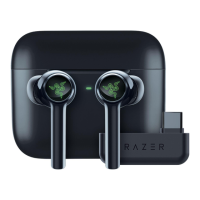
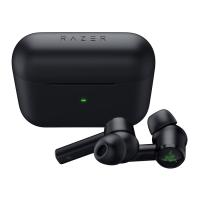
CHARGING YOUR RAZER HAMMERHEAD TRUE WIRELESS PRO
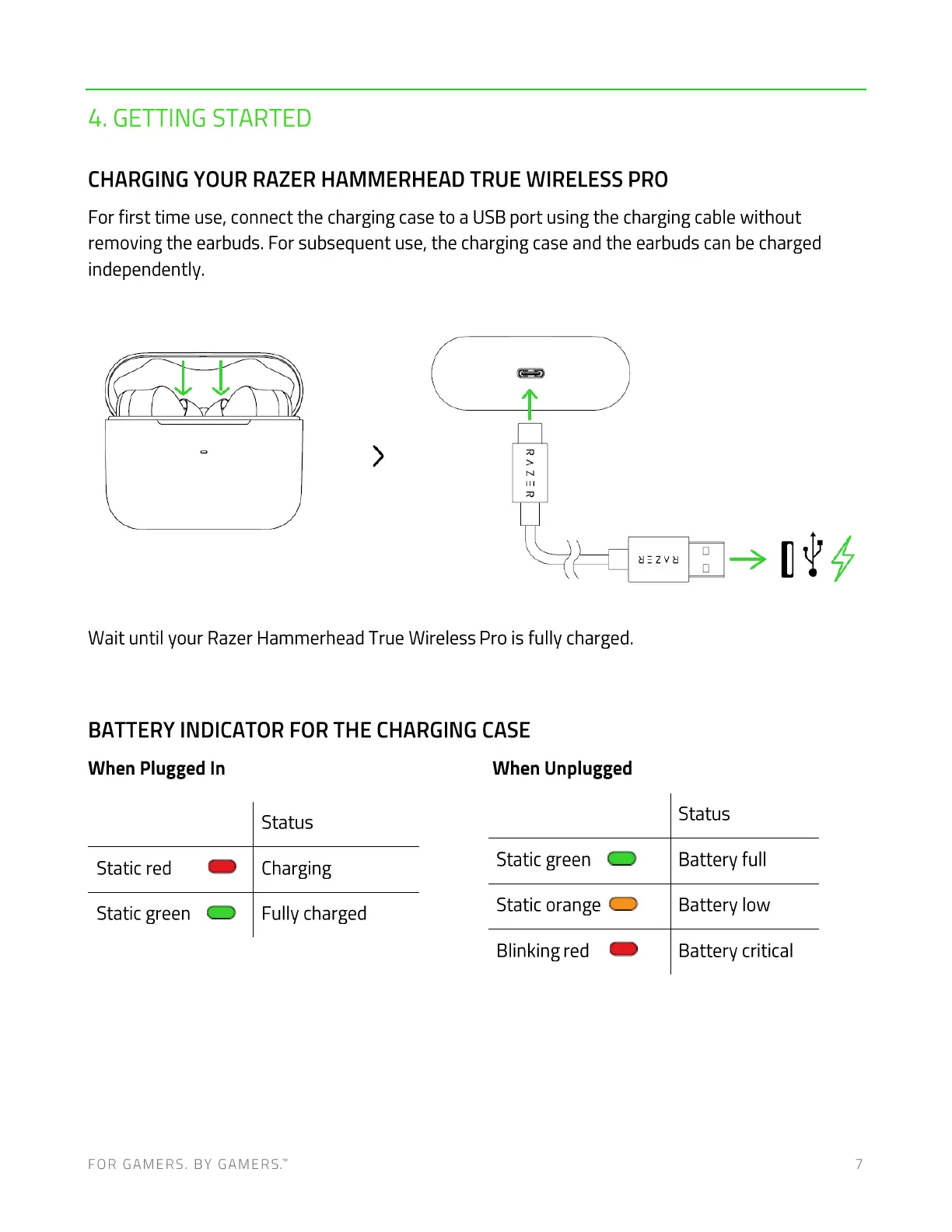
For first time use, connect the charging case to a USB port using the charging cable without
removing the earbuds. For subsequent use, the charging case and the earbuds can be charged
independently.
Wait until your Razer Hammerhead True Wireless Pro is fully charged.
BATTERY INDICATOR FOR THE CHARGING CASE
When Plugged In
Static red
Static green
Status
Charging
Fully charged
When Unplugged
Static green
Static orange
Blinking red
FOR GAMERS. BY GAMERS.W
Status
Battery full
Battery low
Battery critical
7




 To Next Page