PAIRING TO A MOBILE DEVICE
When trying to connect your Razer product, remember to keep it within 1 meter of your mobile
device.
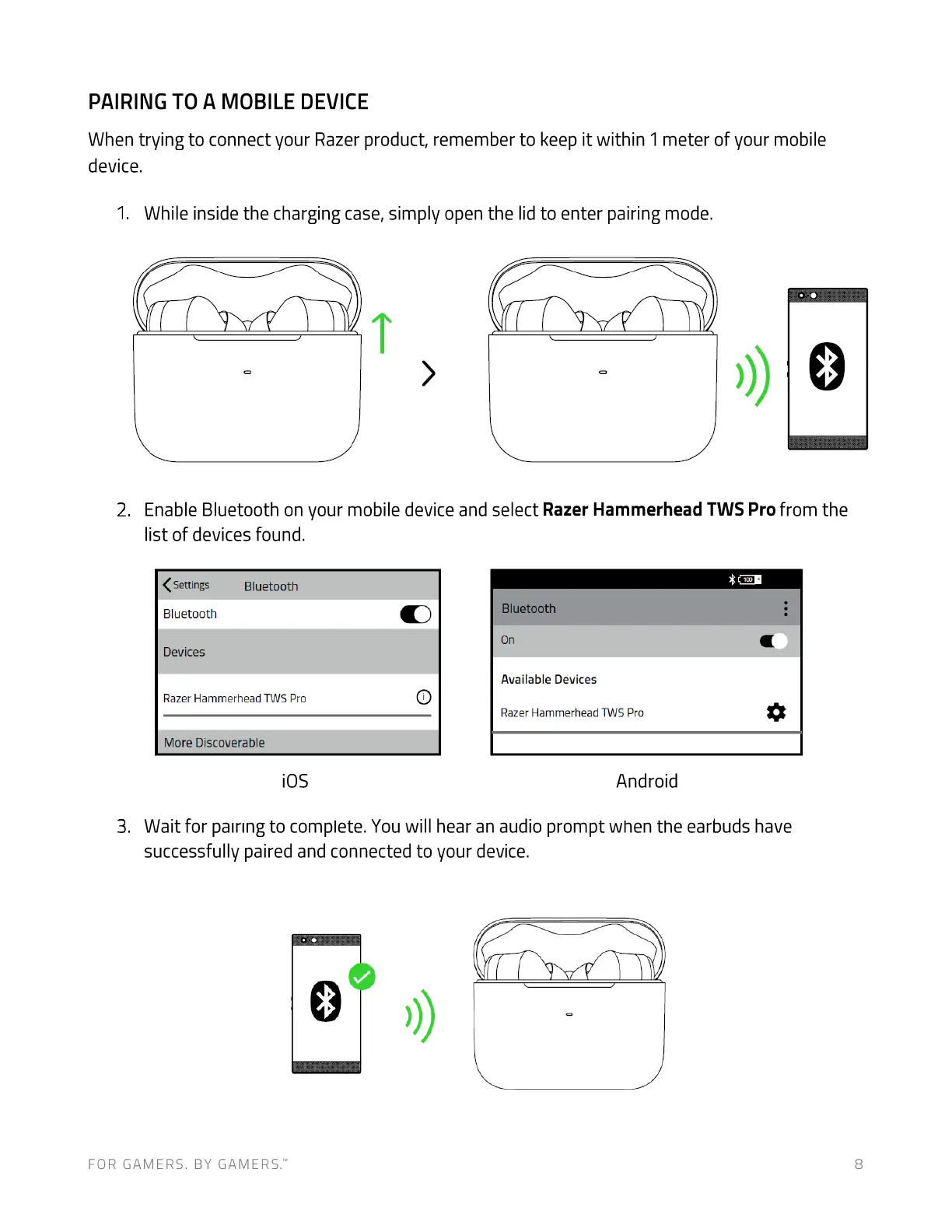
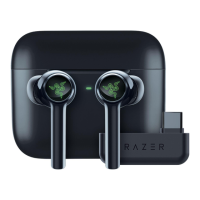
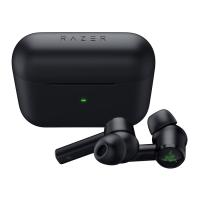
While inside the charging case, simply open the lid to enter pairing mode.
Enable Bluetooth on your mobile device and select Razer Hammerhead TWS Pro from the
2.
3.
list of devices found.
< Settings
Bluetooth
Bluetooth
Devices
Razer Hammerhead TWS Pro
More Discoverable
iOS
Bluetooth
on
Available Devices
Razer Hammerhead TWS Pro
Android
Wait for pairing to complete. You will hear an audio prompt when the earbuds have
successfully paired and connected to your device.
FOR GAMERS. BY GAMERS.W 8



 To Next Page