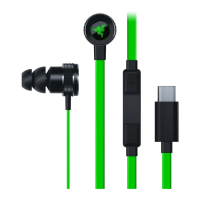
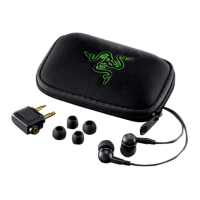
Sometimes, wax build-up on earbuds may cause audio quality and output level issues on the headset.
Cleaning the earbuds may help aid the issue. To clean the earbuds, remove any attached silicone tips
and wipe the earbuds with a soft cloth that is lightly saturated with warm water.
If you are still having issues on your headset, contact the Razer Support Team for further assistance.
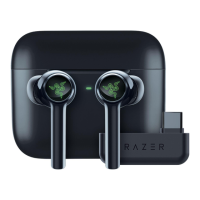
I lost my left/right earbud, will the Razer Hammerhead True Wireless still work?
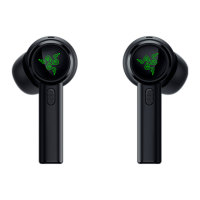
Yes. Each earbud can work individually.
The Razer Hammerhead True Wireless earbuds don’t power off/still connected to my phone even after
placing inside the charging case and closing it. What do I do?
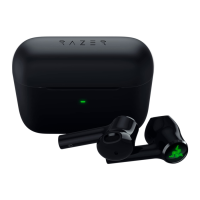
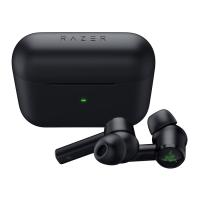
This can sometimes happen if the charging case does not have enough power to charge the earbuds
(LED indicator is blinking RED). To turn off the earbuds, please try the following options:
Recharge the case by plugging into a power source using the included USB cable. When the case has
enough power to charge the earbuds, they will turn off.
If you do not have access to a charger and just want to turn off the earbuds, tap and hold both earbuds
until you hear the “pairing” voice prompt. Then, tap one of the earbuds 3 times and hold the last tap for
2 secs or until you hear the “power off” voice prompt.
Only one of the Razer Hammerhead True Wireless earbuds is connecting to my phone and playing
music. How do I fix this?
You may try the following workarounds:
Place the misbehaving earbud into the charging case and close it. Wait about 5 seconds and then open
the charging case. The earbud should reconnect automatically. If the earbud doesn’t reconnect, please
make sure the charging case has enough battery (LED indicator is GREEN) and try again.
One of the earbuds may not have enough power. To remedy this, place both earbuds inside the charging
case and connect it to a power source for about 15 minutes and try again.
Your earbuds may have not paired properly with each other. Press both earbuds until you hear it go to
"Pairing". Double-tap both earbuds simultaneously. You should hear a two-blip tone from one of the



 To Next Page