5. USING YOUR RAZER HAMMERHEAD USB-C
ACHIEVING A PROPER SEAL
To enjoy the full-bodied bass of the Razer Hammerhead USB-C as it is intended, please ensure that
the ear-tips are properly fitted into your ears and that a proper seal is achieved to block out
ambient noise.
REMOVING YOUR RAZER HAMMERHEAD USB-C
CAUTION: Do not yank out the earpiece from your ears as the sudden release of air pressure might
cause potential discomfort.
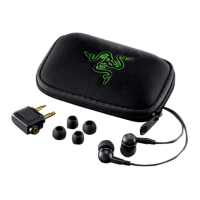
EAR-TIP SIZES
Due to the different ear canal sizes of individuals, the default ear-tips may not achieve a proper
seal. If that is the case, interchanging the ear-tips to a larger/smaller size can improve comfort and
sound quality.
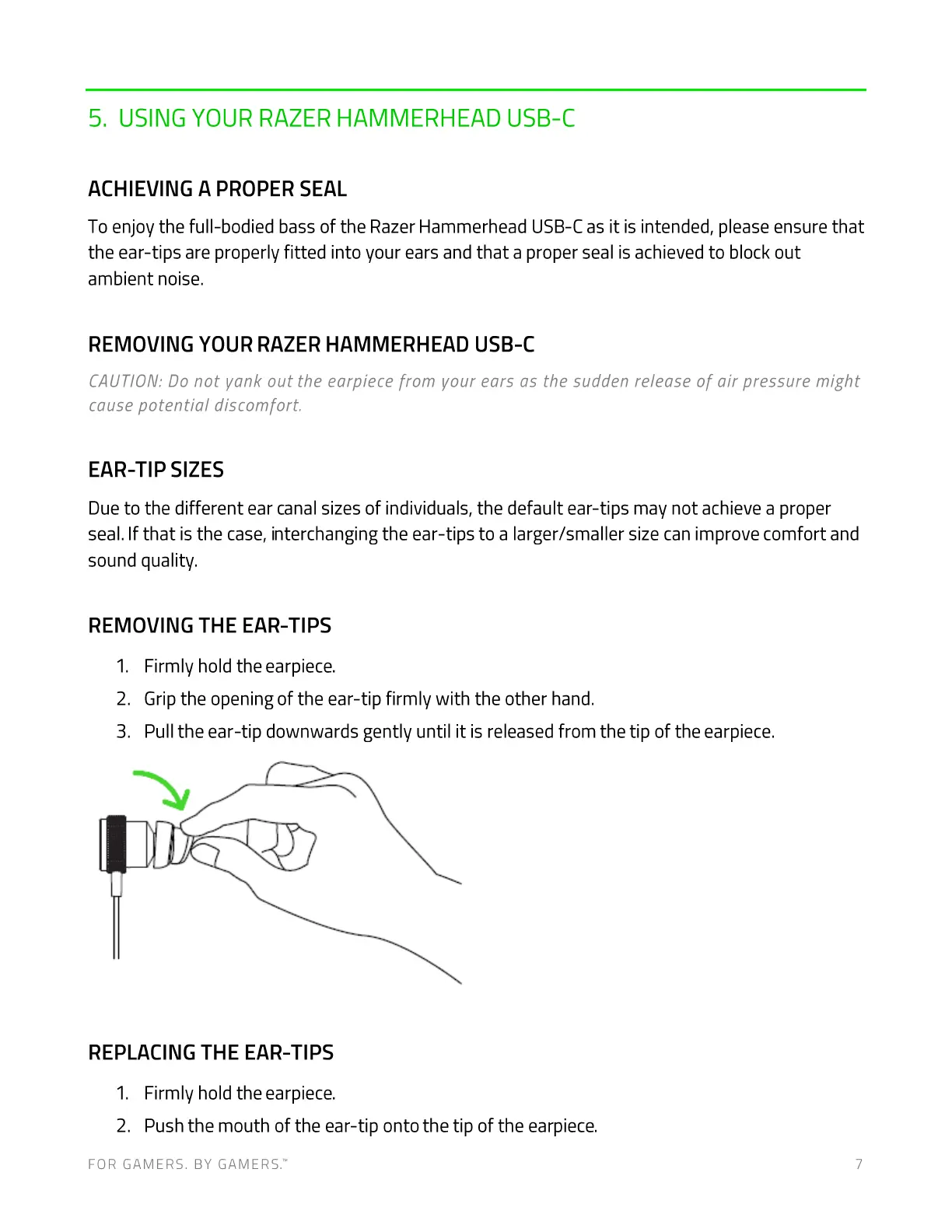
REMOVING THE EAR-TIPS
1. Firmly hold the earpiece.
2. Grip the opening of the ear-tip firmly with the other hand.
3. Pull the ear-tip downwards gently until it is released from the tip of the earpiece.
REPLACING THE EAR-TIPS
1. Firmly hold the earpiece.
2. Push the mouth of the ear-tip onto the tip of the earpiece.
FOR GAMERS. BY GAMERS.W 7



 To Next Page