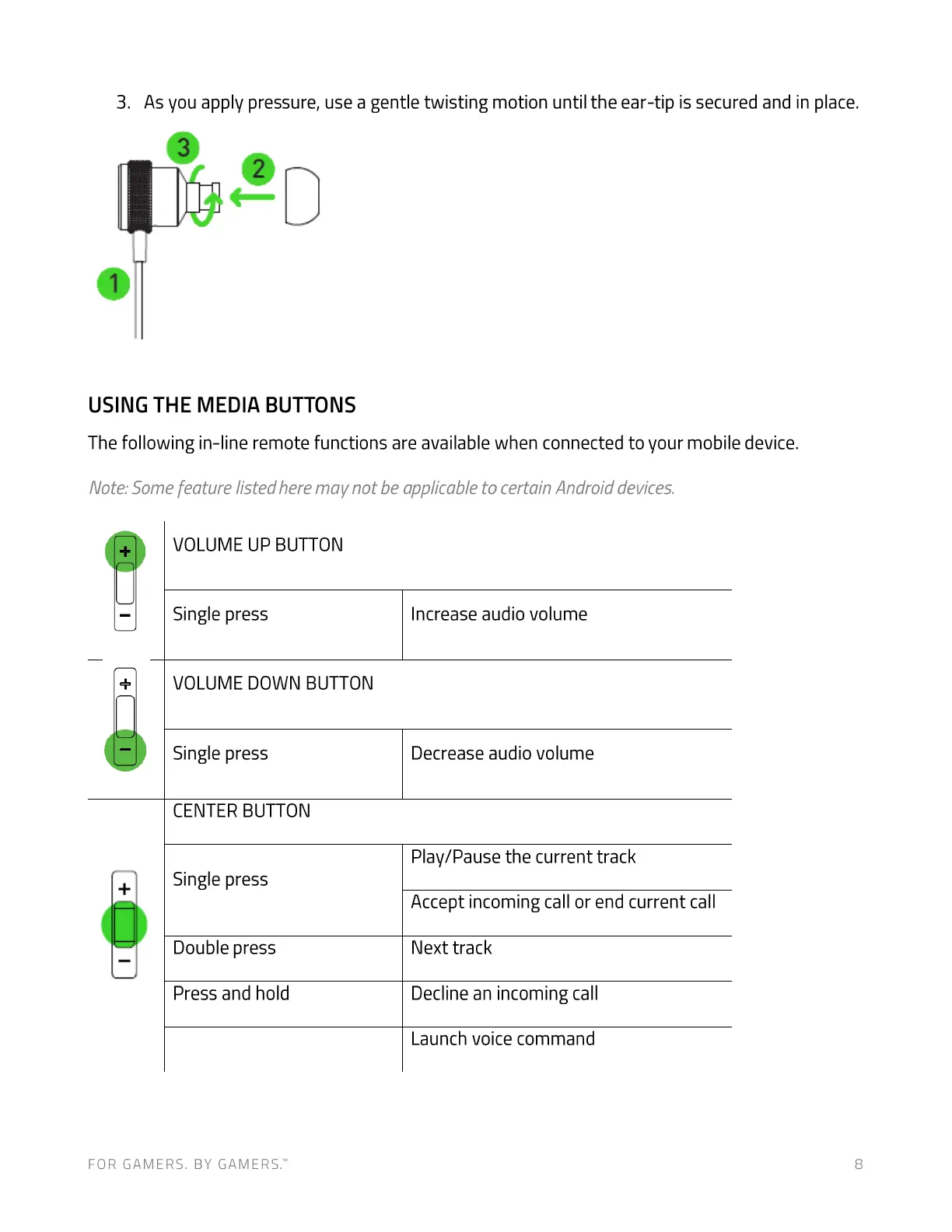
3.
As you apply pressure, use a gentle twisting motion until the ear-tip is secured and in place.
3
2
USING THE MEDIA BUTTONS
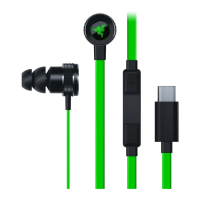
The following in-line remote functions are available when connected to your mobile device.
Note:Somefeature listed here may not be applicable to certain Android devices.
VOLUME UP BUTTON
Single press
VOLUME DOWN BUTTON
Single press
CENTER BUTTON
Single press
Double press
Press and hold
FOR GAMERS. BY GAMERS.W
Increase audio volume
Decrease audio volume
Play/Pause the current track
Accept incoming call or end current call
Next track
Decline an incoming call
Launch voice command
8




 To Next Page