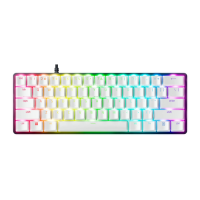
6. USING YOUR RAZER HUNTSMAN MINI
fn
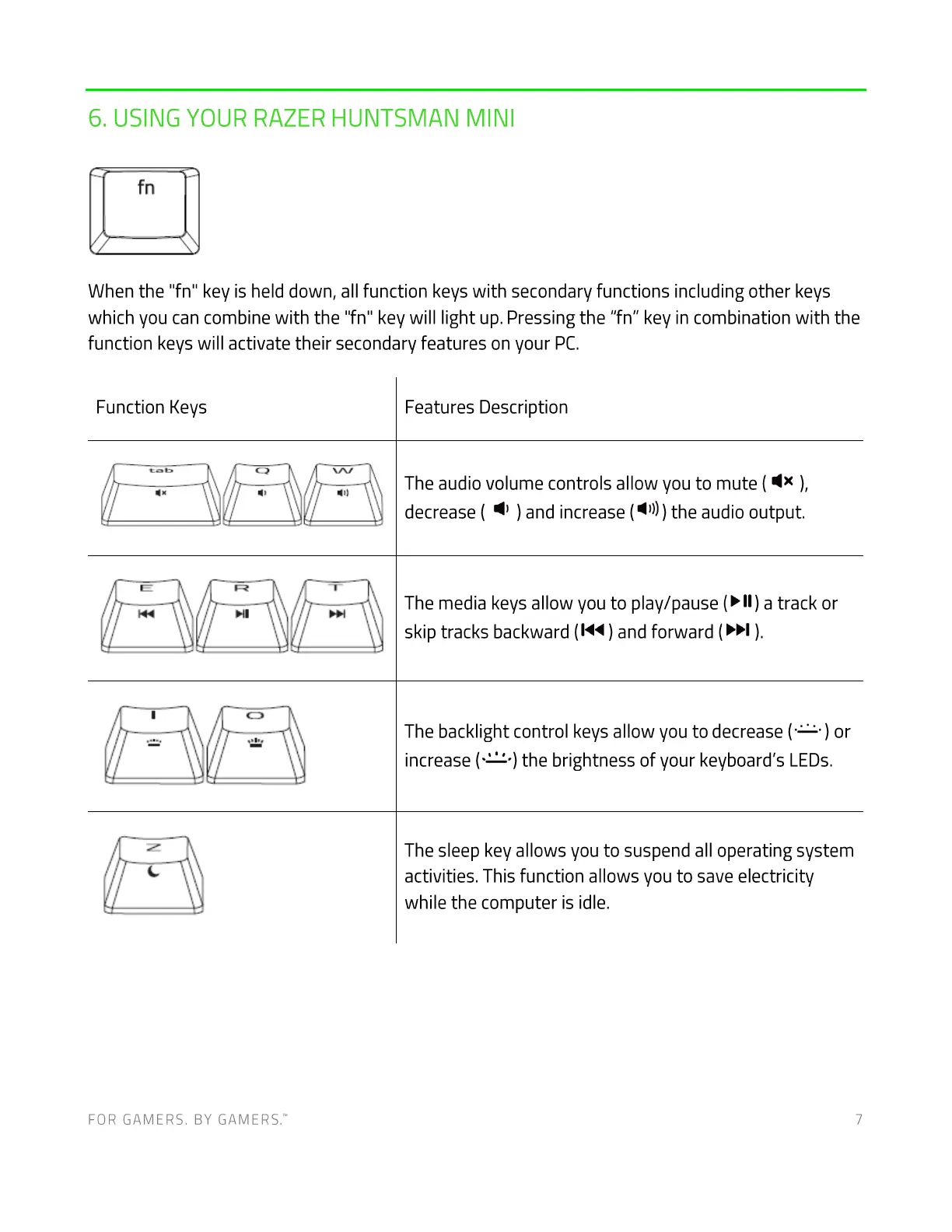
When the "fn" key is held down, all function keys with secondary functions including other keys
which you can combine with the "fn" key will light up. Pressing the "fn" key in combination with the
function keys will activate their secondary features on your PC.
Function Keys
FOR GAMERS. BY GAMERS:
Features Description
The audio volume controls allow you to mute ( ),
decrease ( ) and increase ) the audio output.
The media keys allow you to play/pause (> II) a track or
skip tracks backward (1<4) and forward ( ).
The backlight control keys allow you to decrease (
) or
increase ( the brightness of your keyboard's LEDs.
The sleep key allows you to suspend all operating system
activities. This function allows you to save electricity
while the computer is idle.
7




 To Next Page