4. INSTALLATION AND SETUP / REGISTRATION /
TECHNICAL SUPPORT
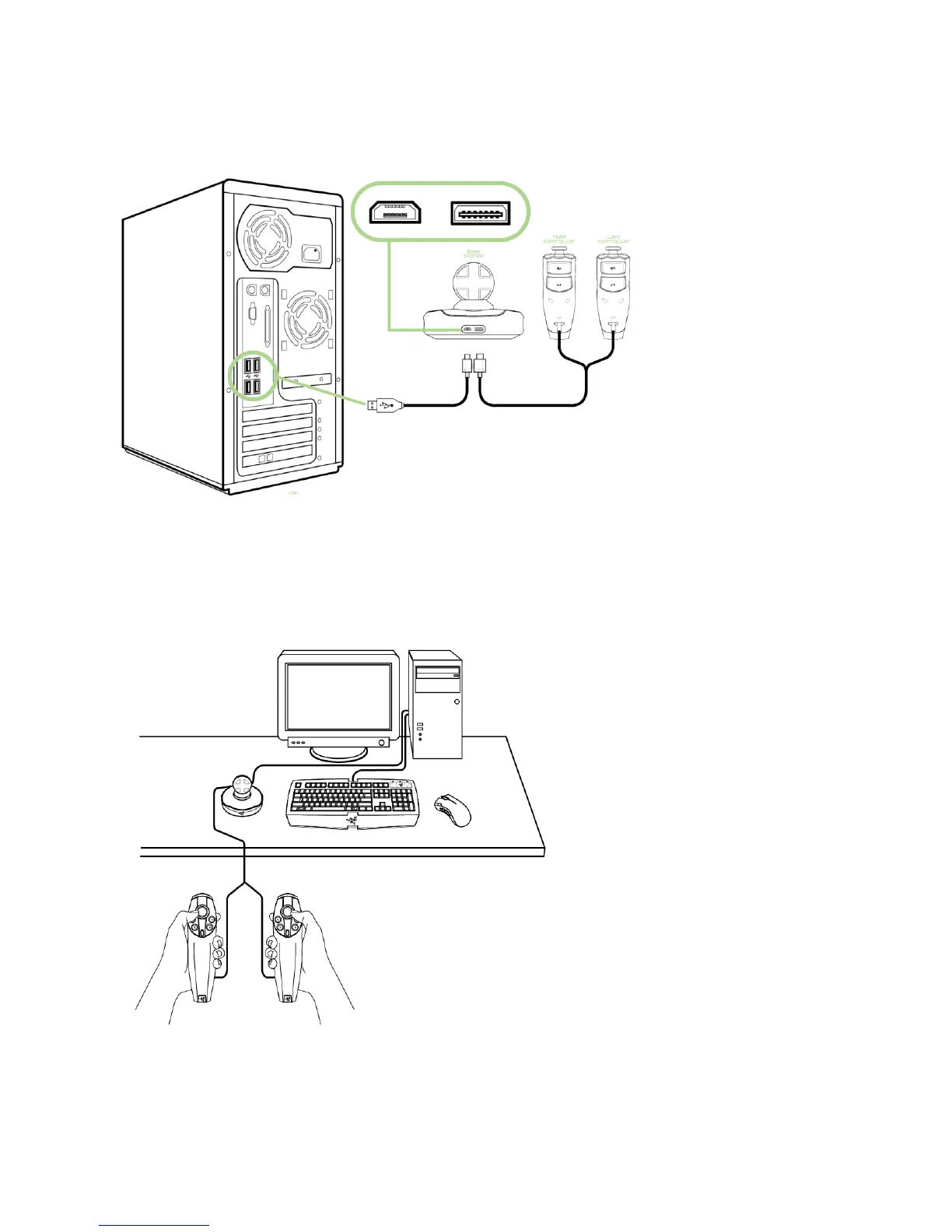
1. Plug in the controller cable to the base station.
2. Plug in the USB cable to the base station and your PC.
3. Download the driver installer at www.razersupport.com
4. Run the installer and follow the onscreen instructions.
Position the base station in a location where your controllers are easily accessible.
Do make sure that the base station does not move after it has been initialized and centered to
ensure optimal gaming experience.










 To Next Page