5. CONFIGURING YOUR RAZER HYDRA
INITIALIZATION
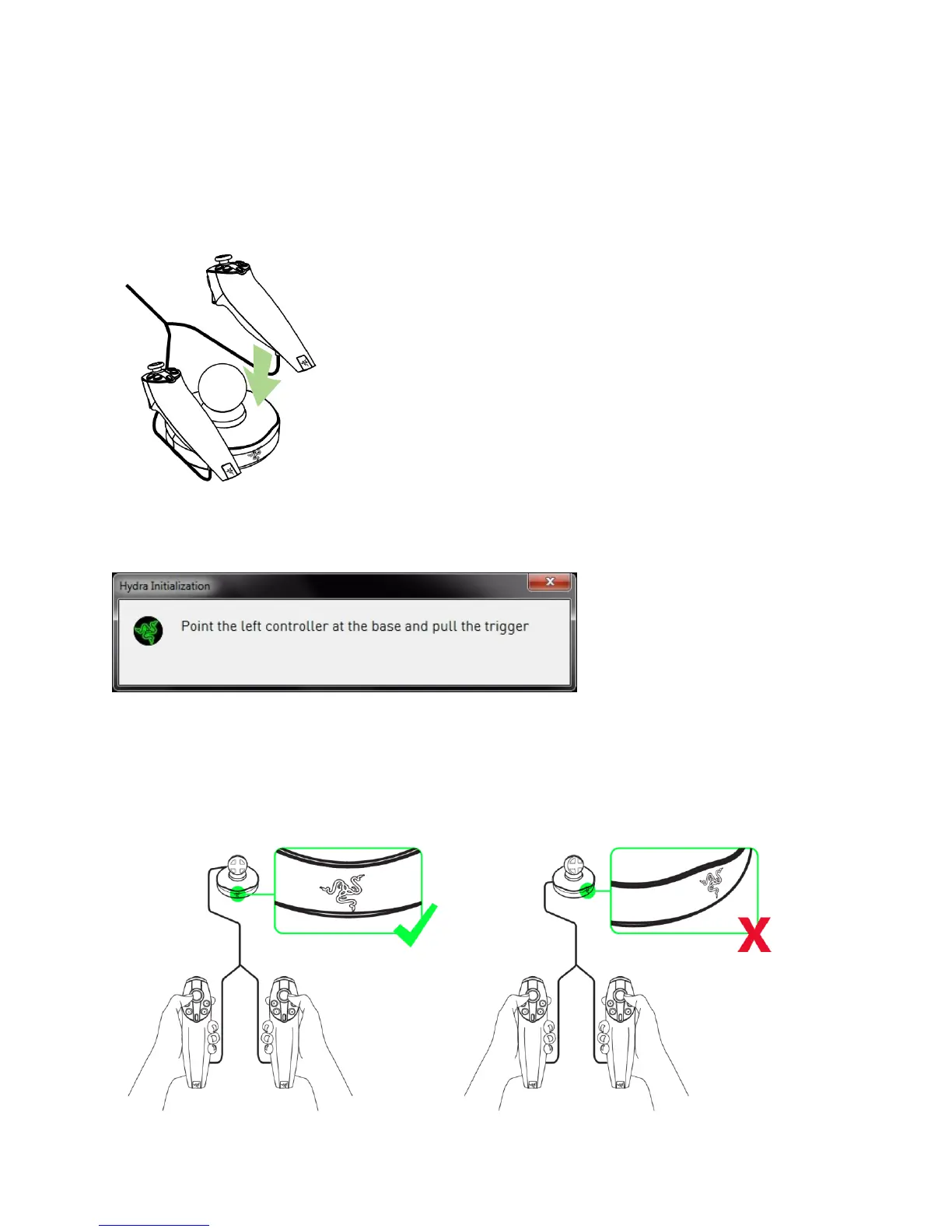
There are 2 ways of initializing your controllers:
1. During driver installation, we recommend that you place the controllers on the base station so
that the controllers are initialized properly.
2. If the controllers are not on the base station whenever the unit is powered on, you will be
prompted to initialize your controllers.
While following the instructions, do ensure that the Razer Hydra base station is forward facing to
ensure the controllers will be initialized properly. If this is not done properly, you can perform
reinitialization by placing the controllers on the base station.










 To Next Page