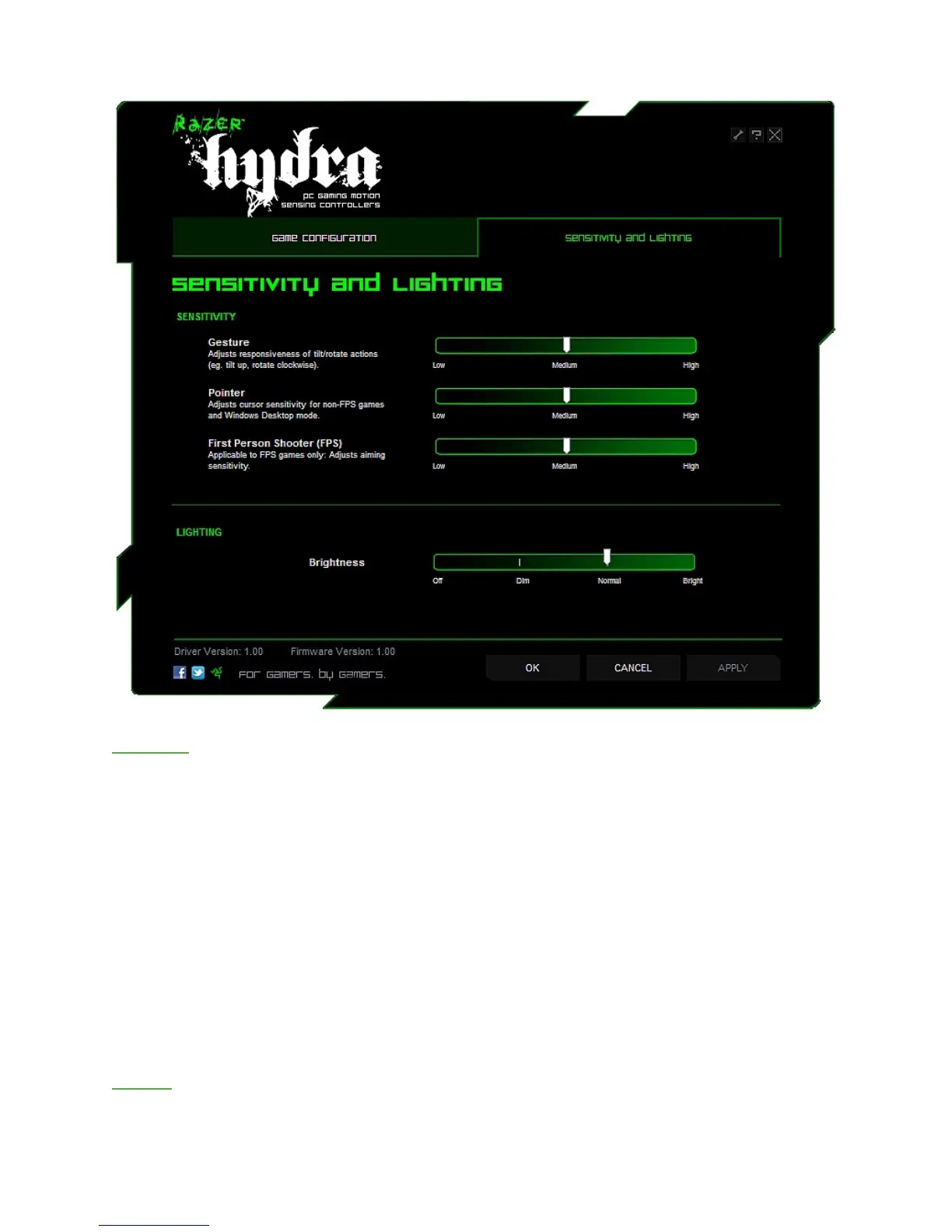
SENSITIVITY AND LIGHTING TAB
Sensitivity
Gesture:
You can adjust the responsiveness of the tilt/rotate actions of the controller to suit your needs.
At High mode, a smaller tilt angle is needed to make the same in-game movement as a larger
tilt angle in Low mode.
Pointer:
You can adjust the cursor sensitivity of the Razer Hydra controllers. This applies to games other
than First Person Shooters (FPS) and in Windows Desktop mode.
First Person Shooter (FPS):
You can adjust the aiming sensitivity of the Razer Hydra controllers within First Person Shooter
games.
Lighting
The brightness level of the base station can be customized to your preference.










 To Next Page