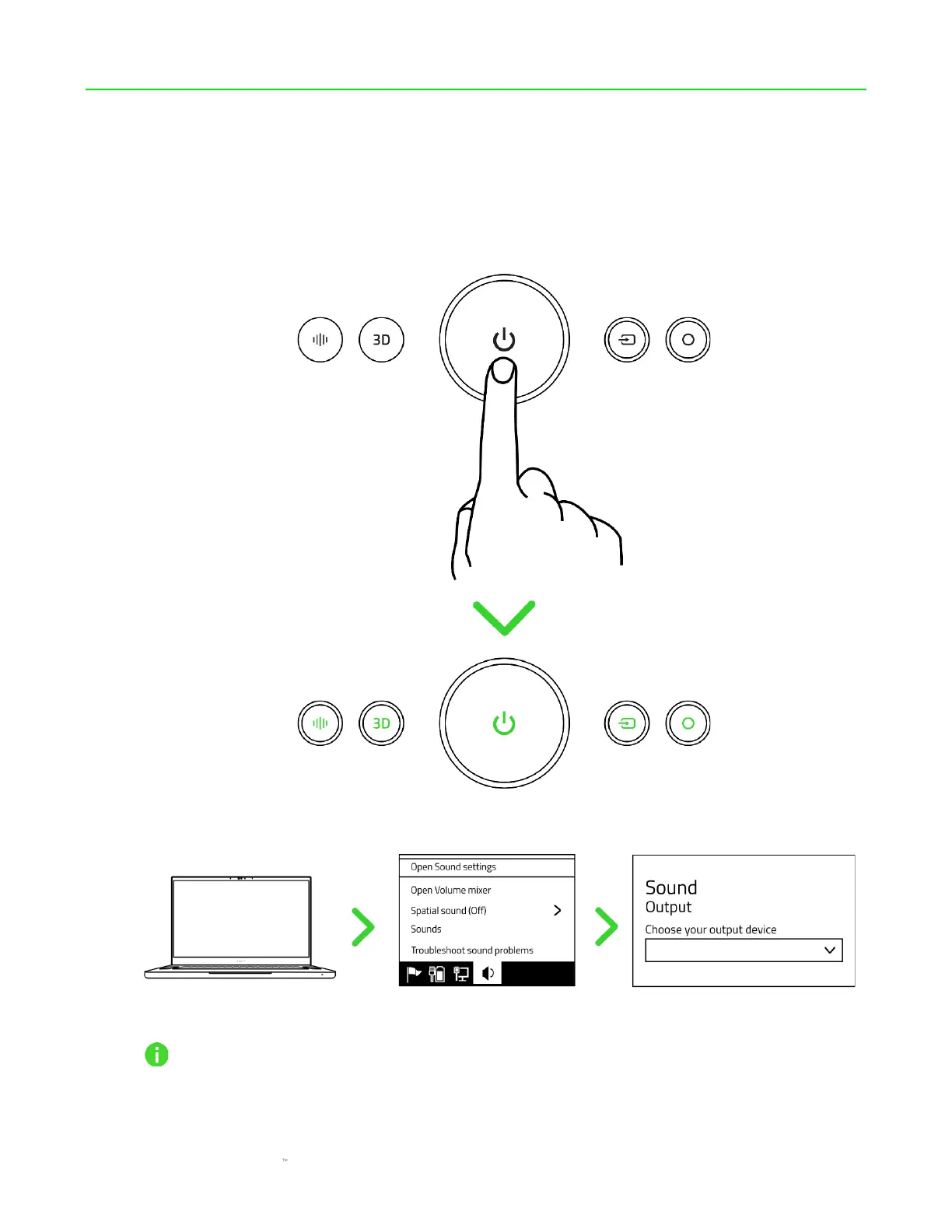
6. CONNECTING TO YOUR SOUNDBAR
A. VIA PC MODE
1. Press the Power button to power on the soundbar. All the soundbar's buttons will light up,
and the Source button will turn solid green to indicate that the soundbar is in PC mode.
2. Set the Razer Leviathan V2 Pro as the default Output device on your PC.
When using the soundbar with compatible devices, set the Razer Leviathan V2 Pro as its
default output device (if applicable).
The Razer Leviathan V2 Pro is now ready for use in PC mode.



 To Next Page