7. USING YOUR SOUNDBAR
CHANGING EQ PRESETS
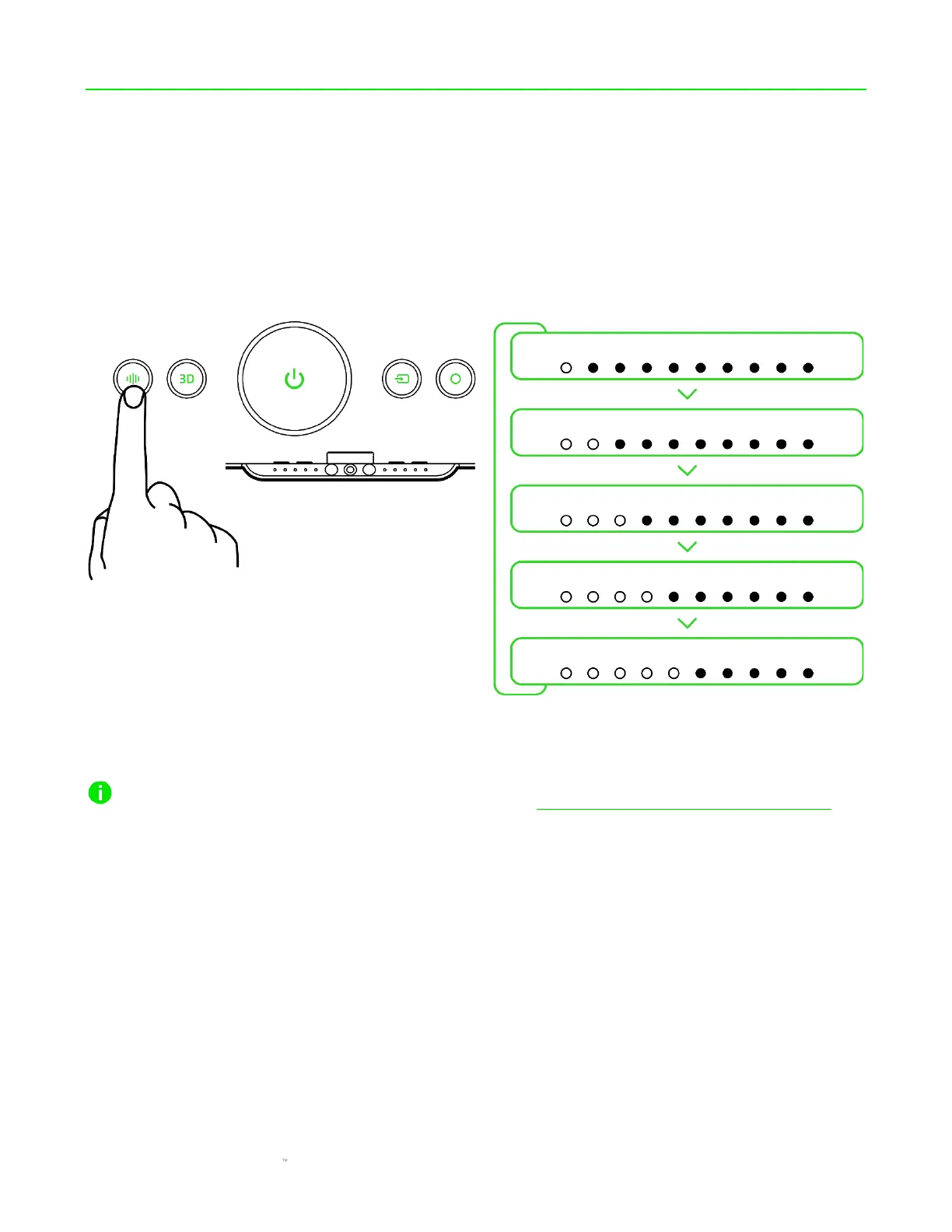
Press the Equalizer button to cycle through the Flat, Game, Movie, Music, and Custom EQ presets.
The indicator LEDs will briefly display which EQ preset is currently active.
You can also change the active EQ preset and personalize the Custom EQ preset using the Razer
Audio app (mobile devices) and Razer Synapse app (PC). Learn more about the Audio Equalizer



 To Next Page