EQ
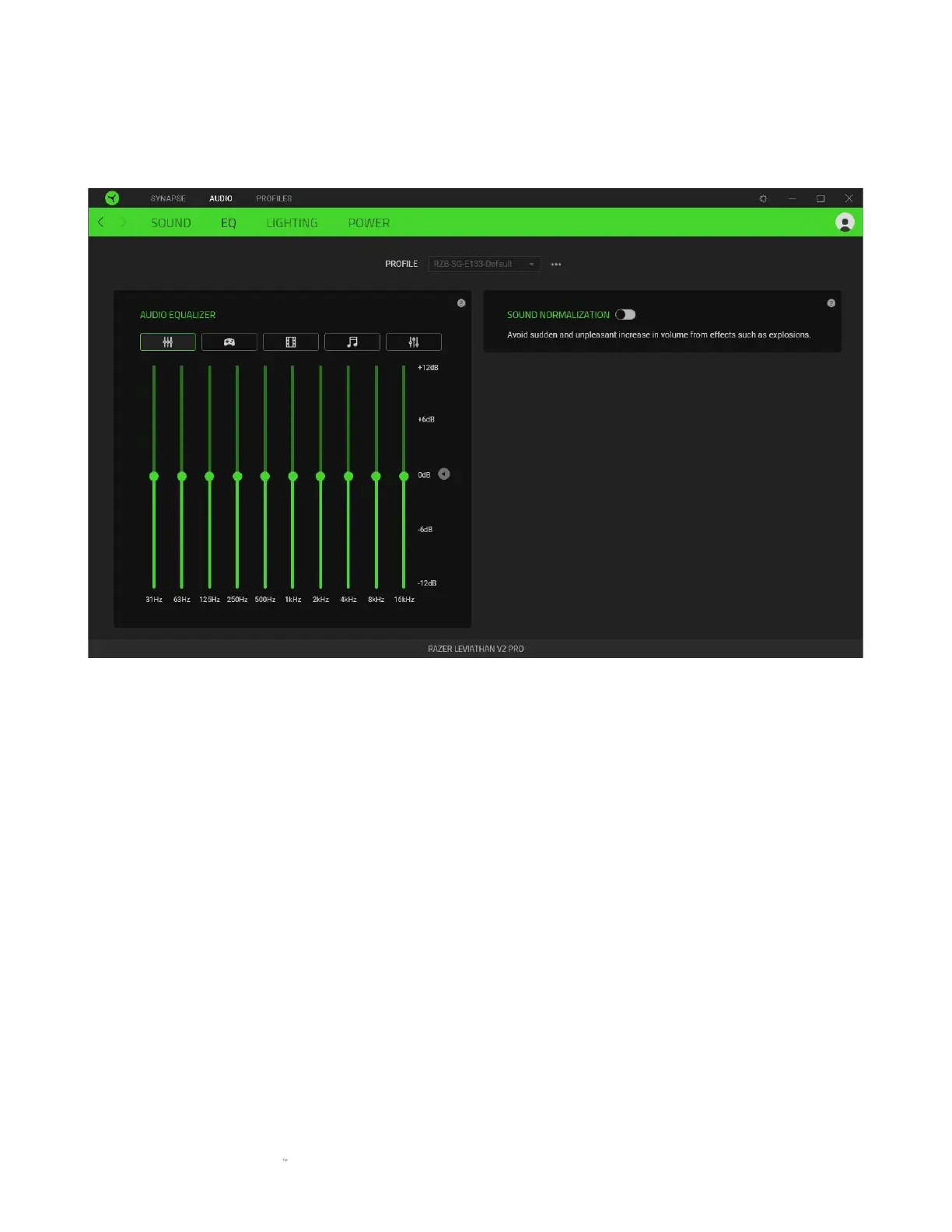
Use the EQ subtab to customize the frequency response of the soundbar or normalize the loudness
of audio to avoid unpleasant increases in volume.
Audio equalizer
Select any available equalizer preset created for the best audio experience designed for balance,
gaming immersion, movie viewing, or enjoying your favorite music. Manually adjusting any
equalizer preset will automatically set it to Custom.
Sound normalization
When enabled, the soundbar will normalize the loudness of audio and avoid sudden and
unpleasant increases in volume from sound effects such as explosions.



 To Next Page