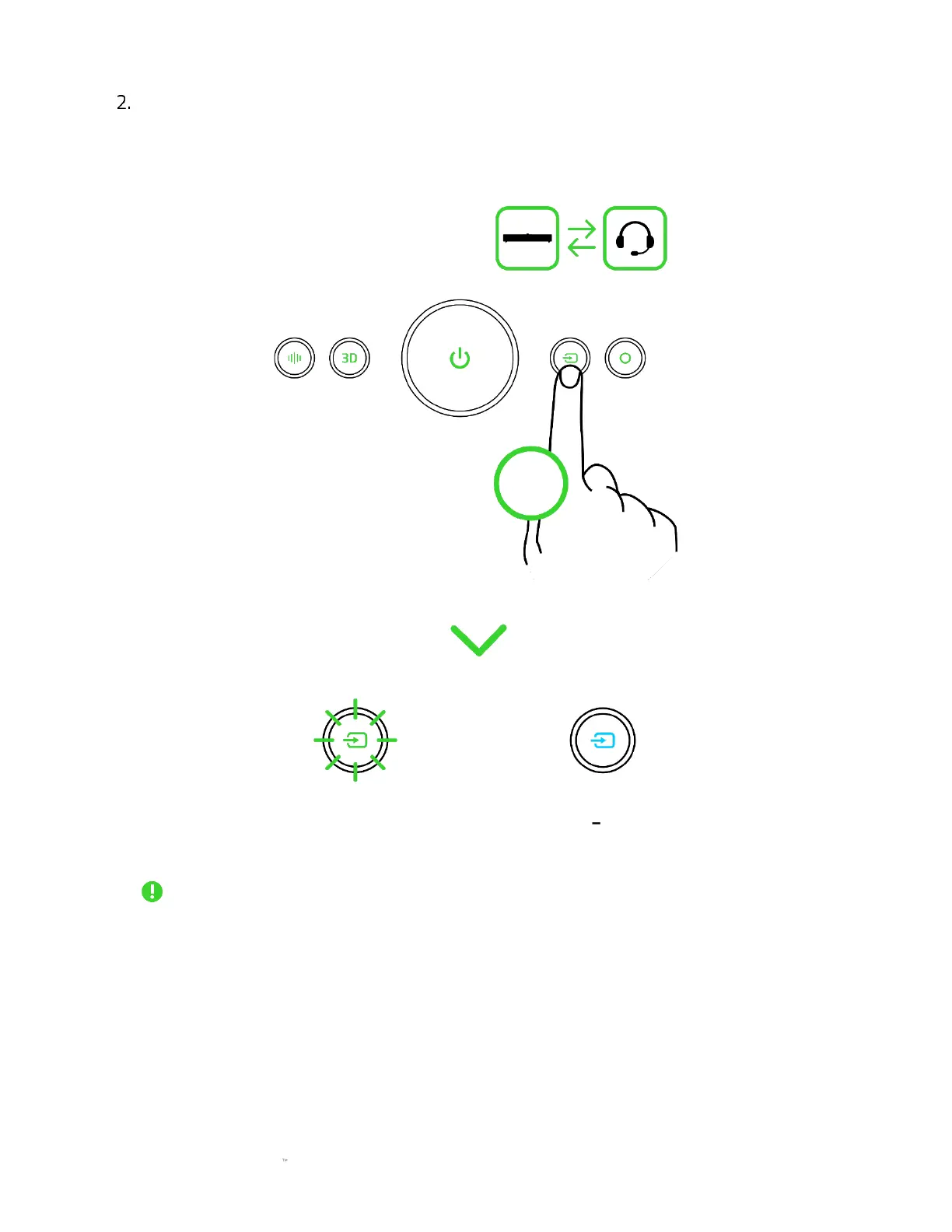
While powered on, double press the Source button to toggle between soundbar and
headset output. The Source button will blink in green (if the soundbar is in PC mode) or
show solid cyan (if the soundbar is in Bluetooth mode) to indicate that the soundbar is using
the connected headset as audio output.
When the soundbar is toggled to headset output, it will continue using the connected
headset as the audio output even as you switch between PC and Bluetooth modes. To use
the connected headset as an audio input device, ensure the Razer Leviathan V2 Pro is set
as your system's input device.



 To Next Page