ADJUSTING THE VOLUME
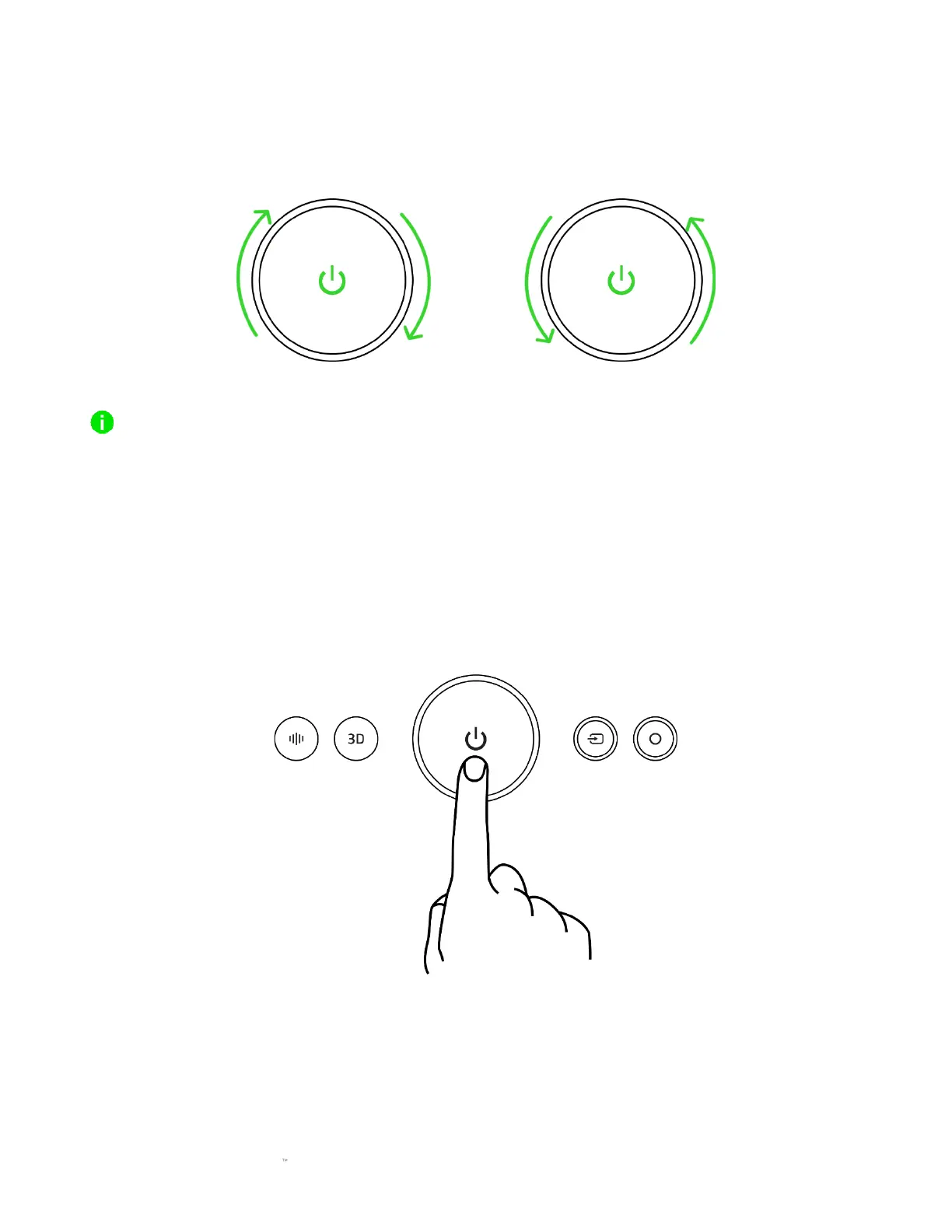
Rotate the volume control knob to adjust the volume of the soundbar. The indicator LEDs will
briefly diverge as you increase the volume and converge as you decrease it.
When decreasing the volume, the two middle indicator LEDs will start blinking to indicate that the
soundbar is already at its lowest volume.
POWER ON/OFF
Press the Power button to power on or off the soundbar. All the soundbar's buttons will light up,
and the Source button will display the current soundbar mode.



 To Next Page