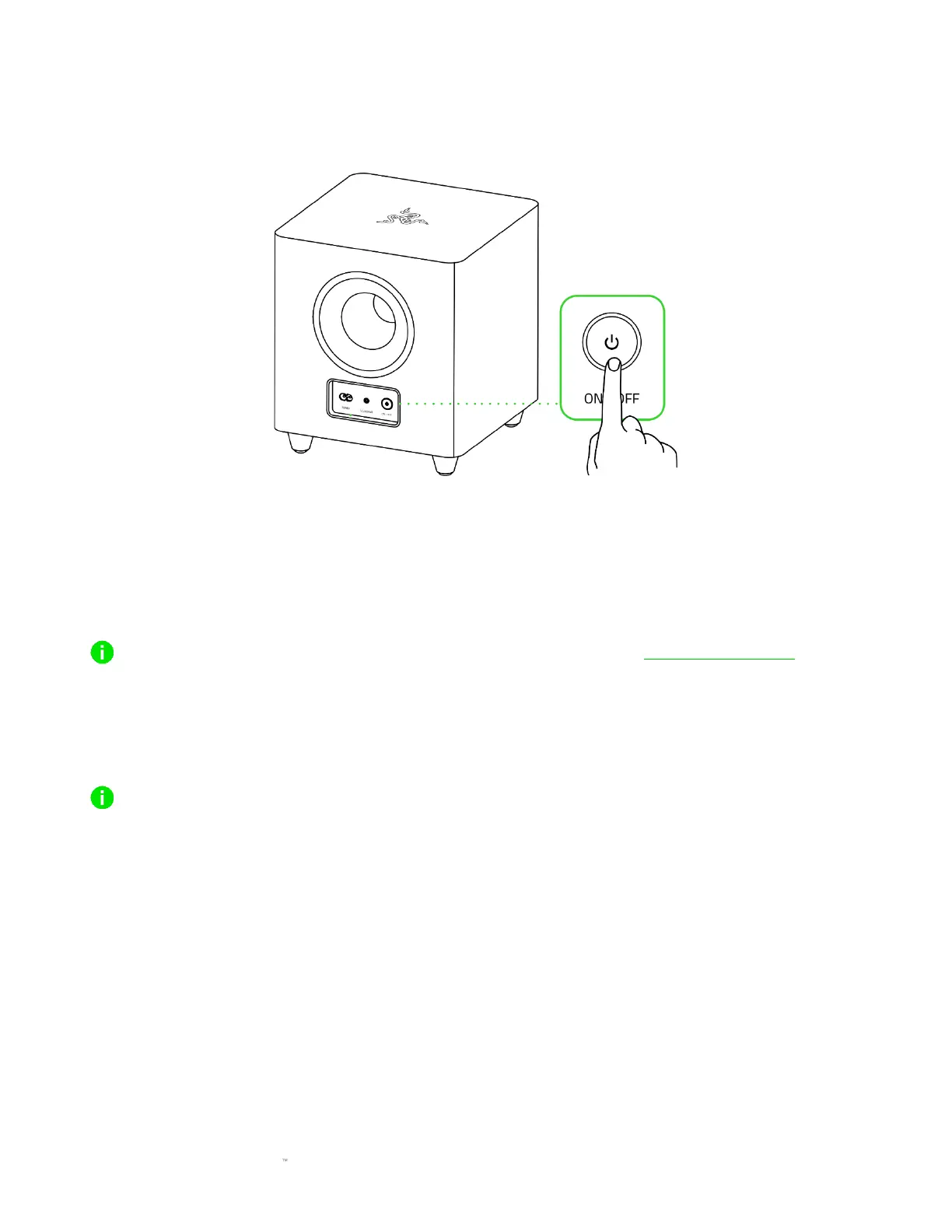
POWER ON/OFF THE SUBWOOFER
Press the Power button behind the subwoofer to power it on or off.
PERSONALIZE YOUR EXPERIENCE
Razer Synapse (PC)
Customize the soundbar's audio mode, EQ settings, Chroma lighting effect, and fine-tune other
advanced features for an immersive audio experience that's genuinely yours.
Install Razer Synapse when prompted, or download the installer from razer com/synapse
Razer Audio app (Mobile devices)
Customize the soundbar's EQ settings and audio mode, conveniently toggle between connected
audio devices, and even experience full RGB lighting customization from your mobile device.
Only available on iOS 14 / Android 10 (or higher) devices with Bluetooth connectivity



 To Next Page