31 | razer
STATS & HEATMAPS
Note: The images shown here are for reference only and may differ from the actual device.
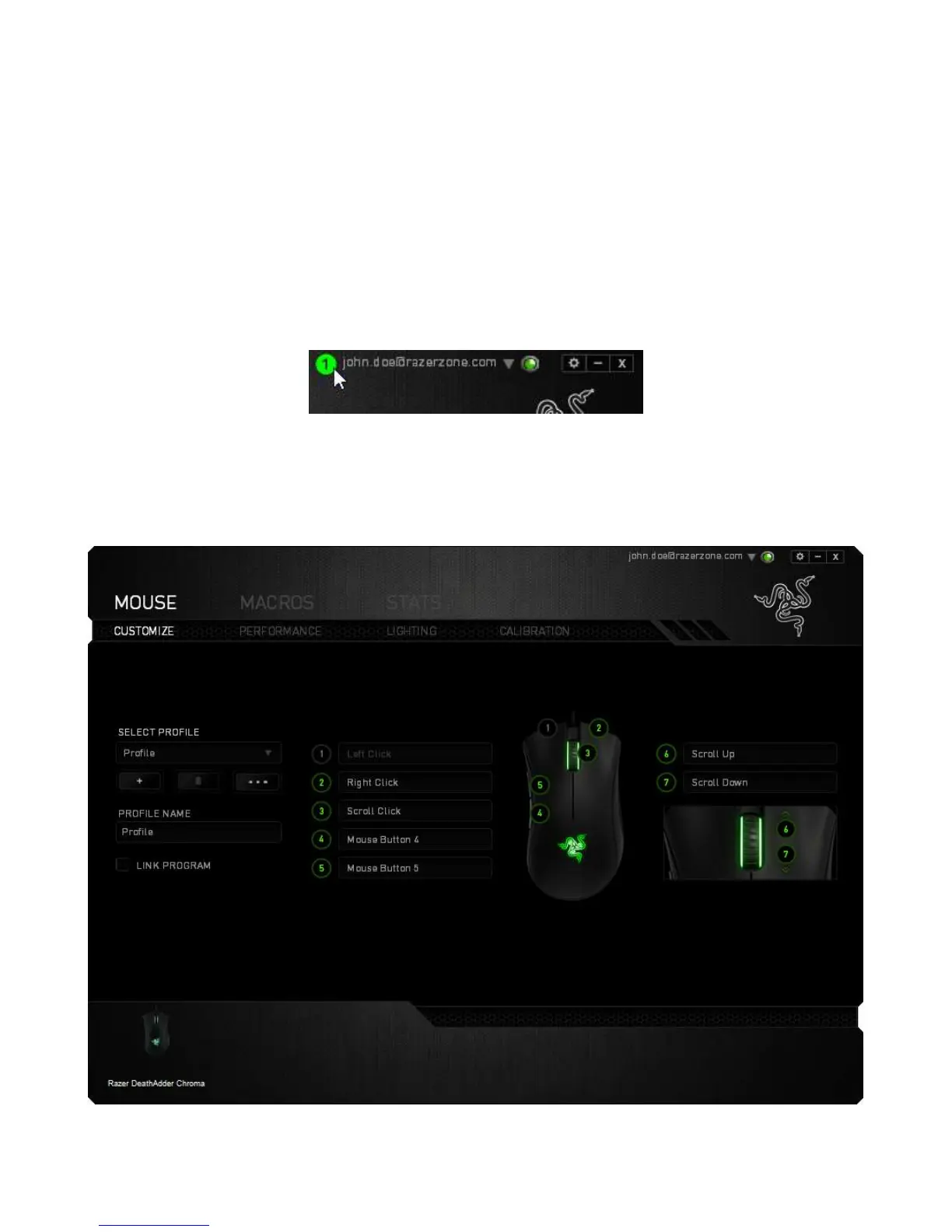
Stats & Heatmaps help you analyze your gameplay by tracking your in-game mouse
clicks, mouse movement and keyboard usage and visualizing it in form of heatmap
overlays. This function is disabled by default. To enable this function, click the
notification icon next to your user name in the Razer Synapse window and select
“Enable Stats & Heatmaps”.
Confirm to enable the function in the dialog box that appears. Return to Razer Synapse
and a new “Stats” tab will be available. Simply click the tab to open the function
window.













 To Next Page