How do I connect the Razer Naga Pro to my PC using RazerTM HyperSpeed Wireless?
Connecting your Razer Naga pro via Razer™ HyperSpeed Wireless (2.4 GHz) Mode is done with the following steps …
read more
How to connect the Razer Naga Pro to the PC using Bluetooth
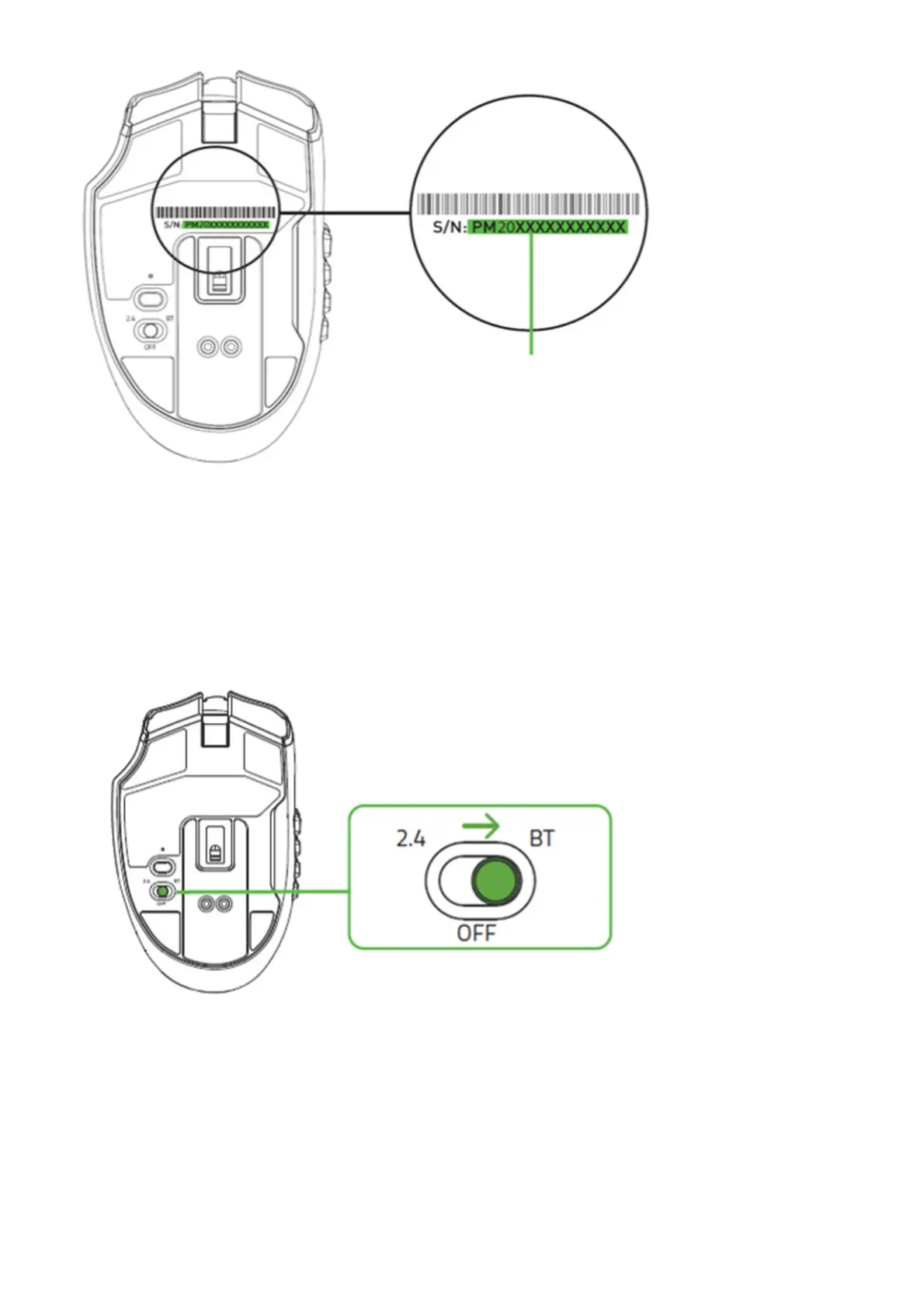
Connecting your Razer Naga pro via Bluetooth Mode is done with the following steps:
1. Push the slider switch to Bluetooth mode.
2. Press and hold the scroll wheel, DPI stage up and DPI stage down buttons simultaneously for three seconds to
activate pairing mode. The Razer logo will blink twice in repeated intervals to show that the device is in pairing
mode.















 To Next Page